Learn how to analyze user feedback at scale with tagging, prioritization frameworks, and tools. Compare 10 top feedback analysis platforms.
Product teams collect feedback constantly. The challenge isn't getting input—it's making sense of it. When feedback lives across support tickets, feature request boards, surveys, and sales notes, patterns disappear into noise. You end up reacting to whoever shouted loudest instead of what actually matters.
User feedback analysis software solves this by centralizing input, structuring it with tags and themes, and connecting it to prioritization frameworks. The right tool turns scattered comments into clear product decisions.
This guide reviews the top 10 user feedback analysis platforms for product teams. We'll cover what each tool does best, key features, pricing, and who should use it. Whether you need lightweight voting boards, AI-powered theme detection, or enterprise analytics, you'll find an option that fits your workflow. Let's start with the tools that help product teams move from feedback chaos to confident roadmaps.
1. Frill
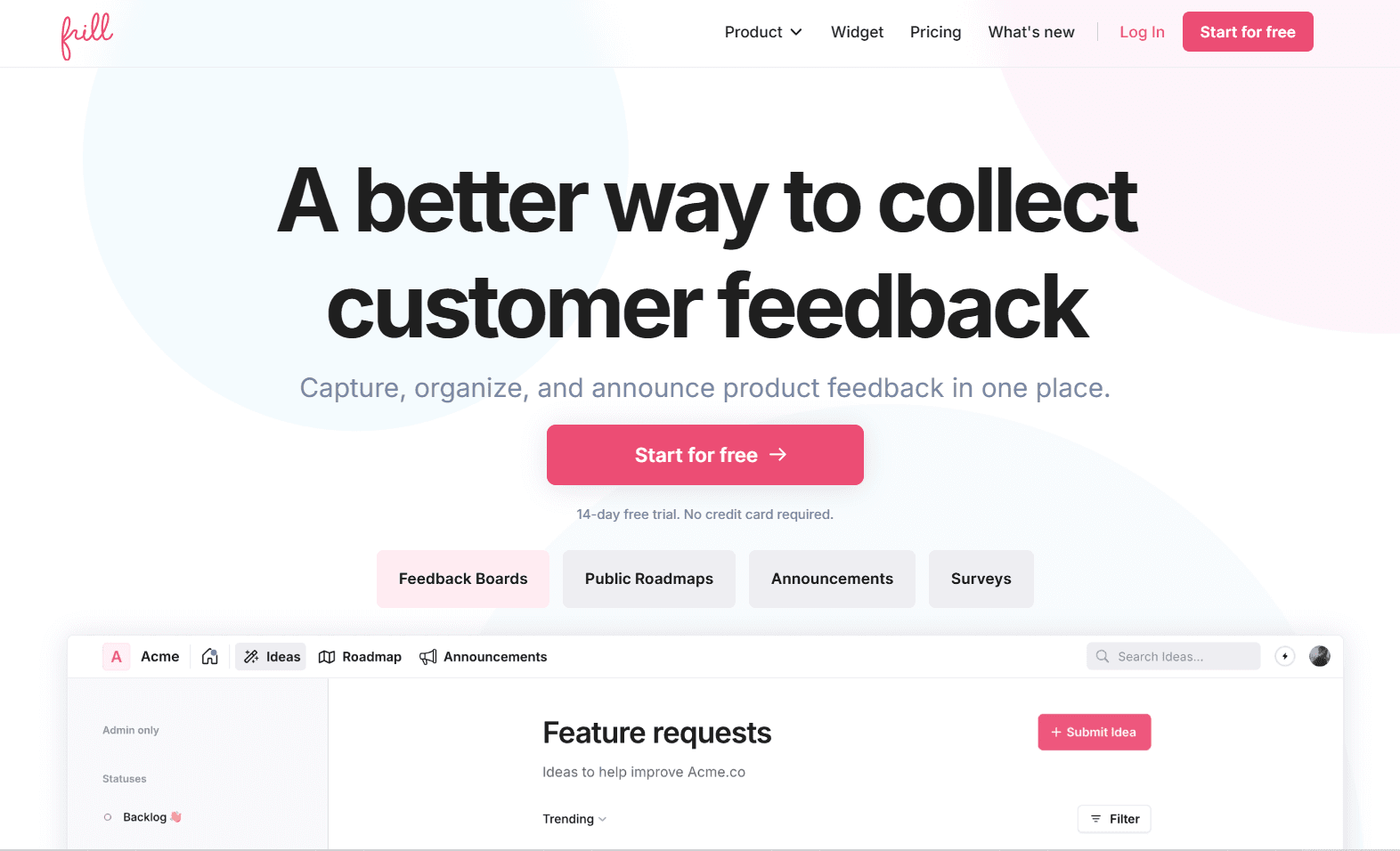
Frill is a lightweight, no-code user feedback analysis tool built for product teams that want clarity without complexity. It centralizes feedback from widgets, idea boards, surveys, and support tools, then layers in tagging, voting, and a prioritization matrix to surface what matters most. With built-in roadmaps and announcements, Frill also closes the loop by keeping users informed as feedback turns into shipped features.
Key features:
Public and private feedback boards with voting and commenting
Feedback tagging, duplicate detection, and topic-based organization
Built-in prioritization matrix for benefit vs. effort scoring
Embeddable widgets for collecting feedback in-product or on websites
Public roadmaps with customizable statuses and columns
Announcements and changelog tools with user reactions
Native integrations with Jira, Linear, Intercom, Zendesk, Slack, and more
Pros and cons:
Frill excels at simplicity, fast setup, and transparent feedback workflows, making it ideal for small to mid-sized product teams. However, it doesn’t offer advanced AI-driven sentiment analysis or deep enterprise analytics, which may matter for data-heavy organizations.
Pricing:
Frill offers a 14-day free trial with no credit card required. Paid plans start at $25 per month for startups, scale to $49 and $149 per month for growing teams, and include an enterprise tier starting at $349 with advanced security, compliance, and dedicated support options.
2. Productboard
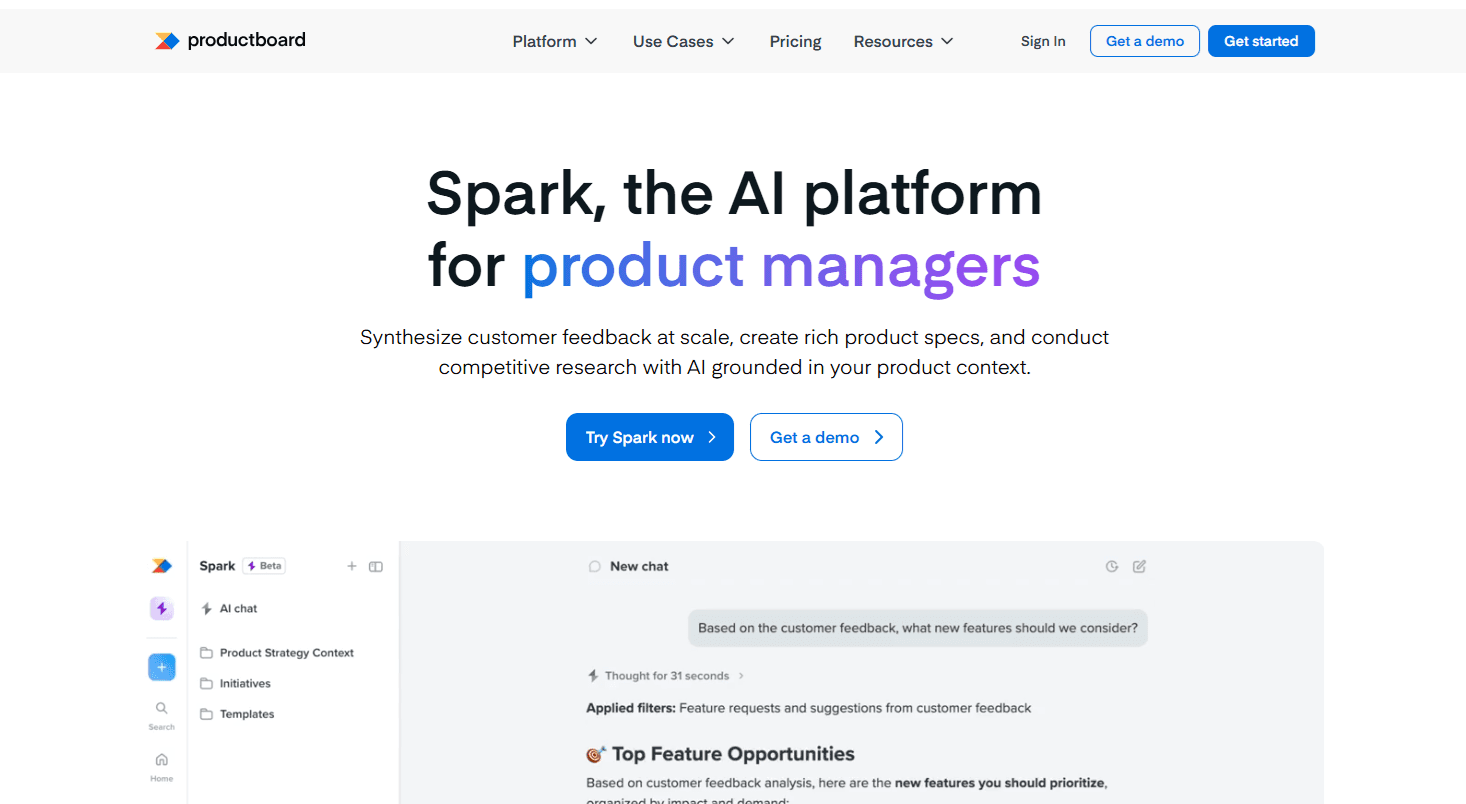
Productboard is an enterprise-grade product management platform designed to help teams analyze customer feedback at scale and tie it directly to product strategy. It centralizes feedback from many sources, surfaces trends, and connects insights to features, objectives, and roadmaps. With advanced data models and AI-powered analysis through Productboard Spark, it’s well suited for large organizations managing complex products, stakeholders, and long-term planning.
Key features:
Centralized customer feedback repository with trend and insight detection
Advanced feature prioritization tied to customer importance and business impact
Enterprise roadmapping with multiple views for different stakeholders
AI-powered feedback analysis and document creation via Productboard Spark
Strategic alignment tools linking initiatives to company-level objectives
Cross-functional collaboration for product, engineering, sales, and leadership
Extensive integrations with CRM, support, and development tools
Pros and cons:
Productboard offers deep feedback analysis, strong strategic planning, and enterprise-ready workflows. However, it’s complex to set up, expensive for smaller teams, and less focused on lightweight public voting boards or simple in-app feedback widgets.
Pricing:
Productboard offers a free trial, with paid plans typically priced per user and aimed at growing and enterprise teams. Costs increase with advanced roadmapping, insights, and AI features. Exact pricing varies by plan and is usually finalized through sales conversations.
3. UserVoice
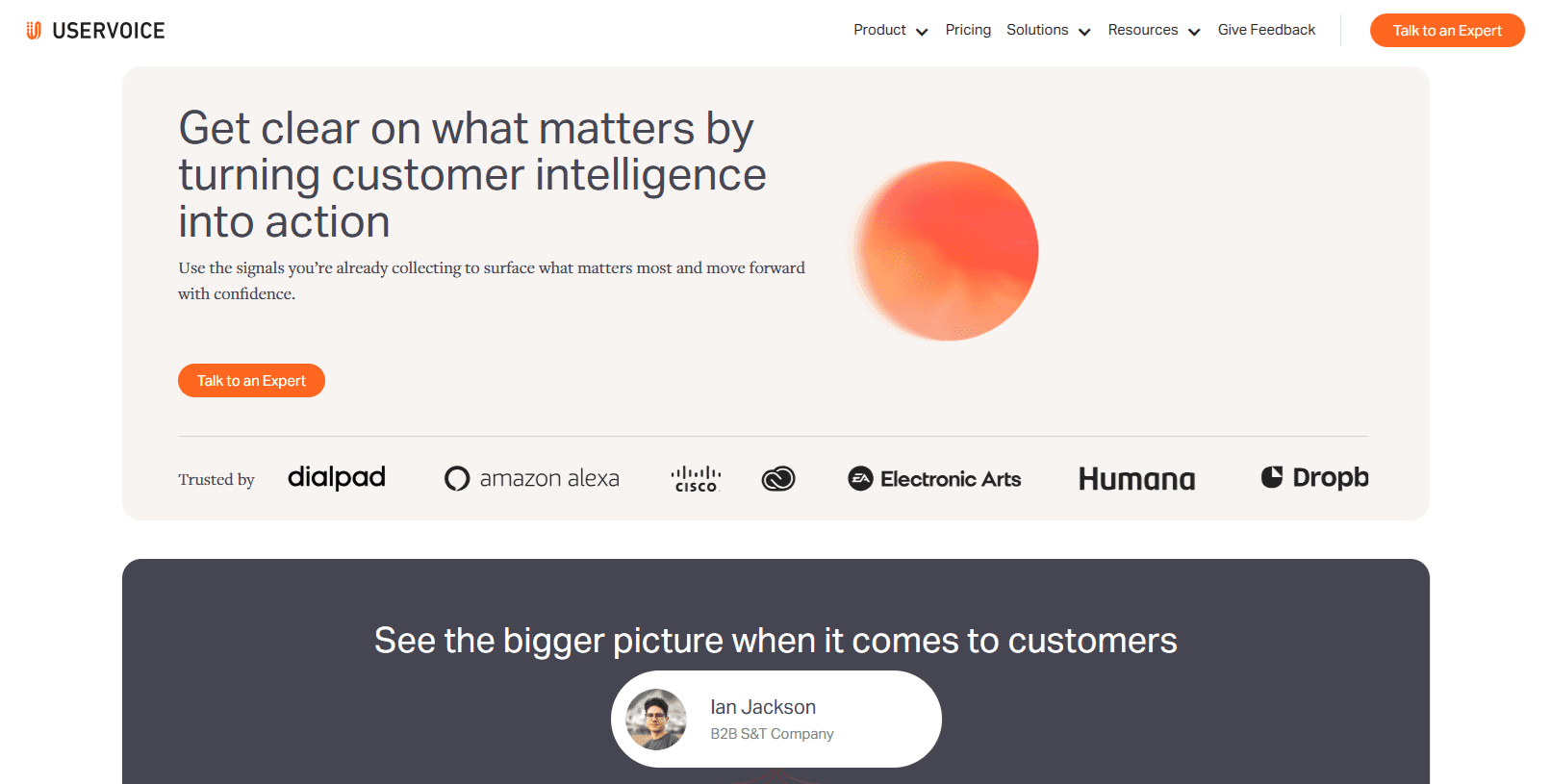
This platform offers an established feedback management platform built for teams that need structured, data-driven prioritization at scale. It centralizes customer input from multiple channels and applies flexible scoring models around importance, urgency, revenue impact, and strategic relevance. Rather than focusing on voting alone, UserVoice emphasizes customer intelligence—helping product teams understand why feedback matters and which opportunities will move the business forward.
Key features:
Centralized feedback ingestion from support, sales, and customer-facing channels
Flexible scoring systems based on importance, urgency, revenue, and relevance
Rich taxonomy and tagging for deep feedback organization
Advanced filtering, segmentation, and customer-level insights
Internal and external communication tools for closing the feedback loop
Enterprise-grade security, compliance, and accessibility standards
Broad integrations with CRM, support, and product tools
Pros and cons:
UserVoice excels at structured prioritization and enterprise-ready feedback analysis. However, it’s expensive, less intuitive for smaller teams, and lacks lightweight public voting boards or simple in-product widgets compared to more modern, no-code tools.
Pricing:
UserVoice pricing starts at approximately $16,000 per year, with plans based on feedback volume and connected integrations rather than per-seat fees. A 30-day trial is available, and pricing typically increases for larger organizations with higher data and compliance needs.
4. Dovetail
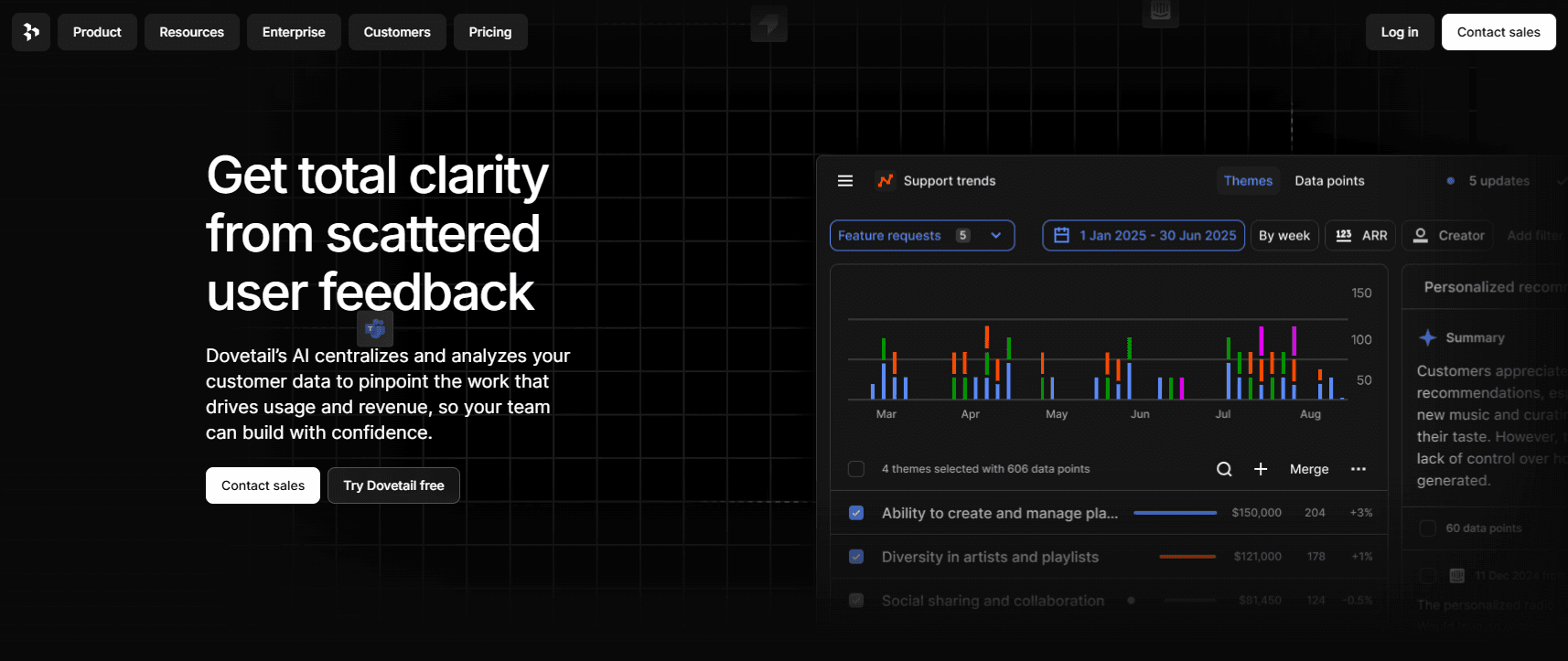
Instead of treating feedback as isolated comments, this platform turns raw qualitative data into structured, decision-ready insights. Dovetail uses AI to centralize interviews, support tickets, surveys, and recordings, then automatically detects themes and trends across large datasets. It’s especially strong for research-heavy teams that want to move faster from discovery to delivery, without losing the nuance of real customer voice along the way.
Key features:
Centralized qualitative data repository for interviews, calls, surveys, and tickets
AI-powered theme detection and clustering across large feedback volumes
Automated summaries, reports, and insight dashboards
Semantic search and AI chat for querying customer data
AI-generated docs and PRDs grounded in real user evidence
Advanced permissions, redaction, and enterprise-grade compliance
Workflow automation with AI agents for alerts and reporting
Pros and cons:
Dovetail excels at qualitative analysis, research synthesis, and AI-driven insight generation. However, it’s not designed for feature voting, public feedback boards, or roadmap communication, making it less suitable as a standalone product feedback collection tool.
Pricing:
Dovetail offers a free plan for individuals with limited projects and channels. Enterprise plans use custom pricing and unlock unlimited projects, advanced AI analysis, dashboards, integrations, and security features, with costs scaling based on organizational needs and usage.
5. Pendo
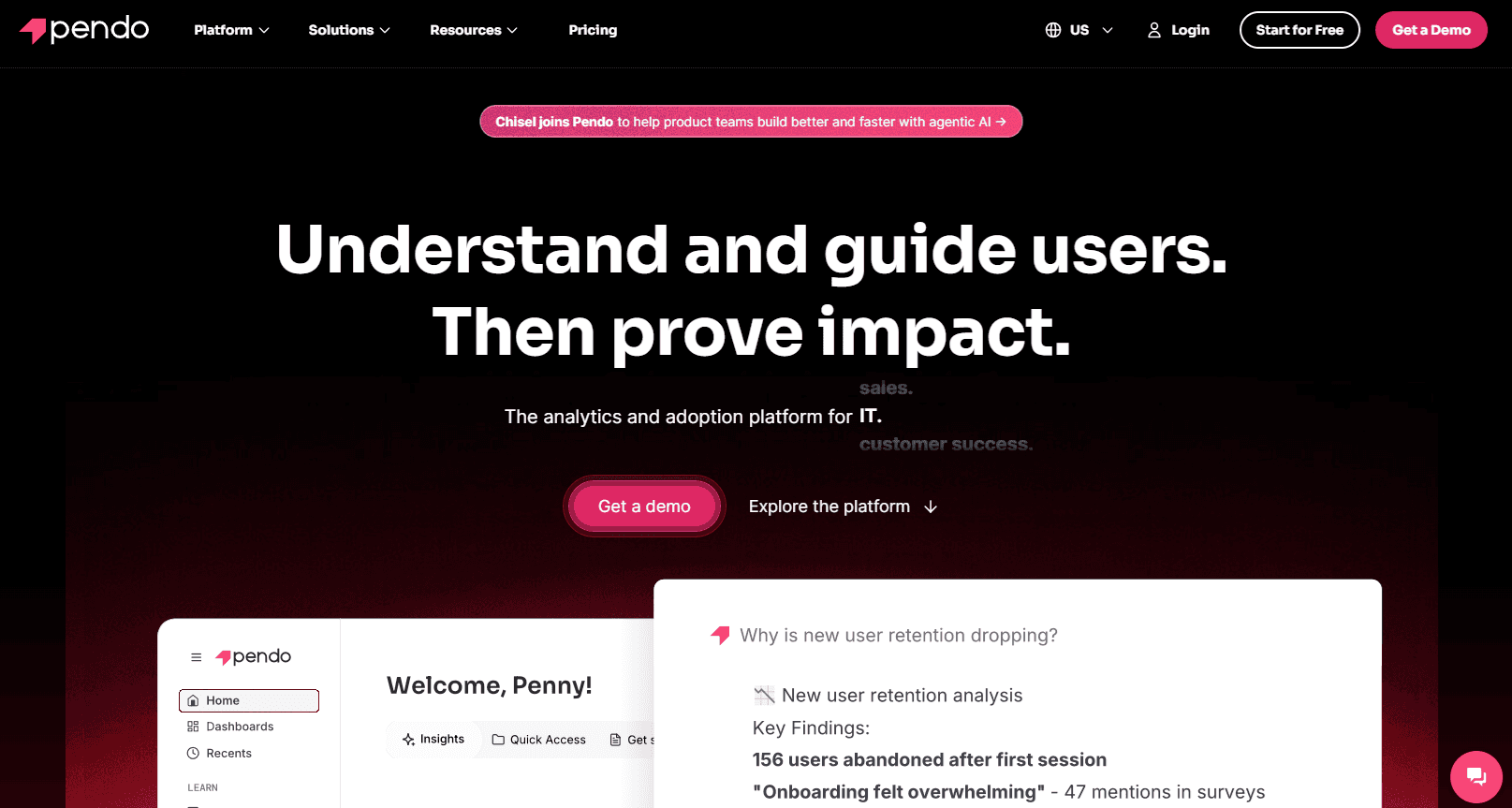
Pendo combines product analytics with in-app feedback collection to help teams understand what users do and why. It captures behavioral data alongside qualitative input like NPS and in-app polls, giving product teams context-rich insights tied directly to usage. By blending analytics, guides, session replay, and feedback, Pendo is well suited for teams focused on adoption, retention, and proving the impact of product decisions over time.
Key features:
Product analytics tracking real user behavior across features and workflows
In-app feedback collection including NPS, polls, and sentiment signals
Session replay for visualizing user friction and experience issues
In-app guides and walkthroughs for onboarding and feature adoption
AI-powered insights for churn prediction and opportunity detection
Cross-product and portfolio-level analytics for large organizations
Deep integrations with data, CRM, and analytics ecosystems
Pros and cons:
Strong analytics depth and in-product feedback make this ideal for adoption-focused teams. However, it lacks robust public feedback boards, flexible feature voting, and dedicated roadmap communication, and setup can be heavy for teams that only need lightweight feedback analysis.
Pricing:
Pendo offers a free plan for up to 500 monthly active users. Paid plans use custom pricing based on usage and features, with Base, Core, and Ultimate tiers unlocking session replay, surveys, orchestration, and advanced analytics through sales-led contracts.
6. Aha! Ideas
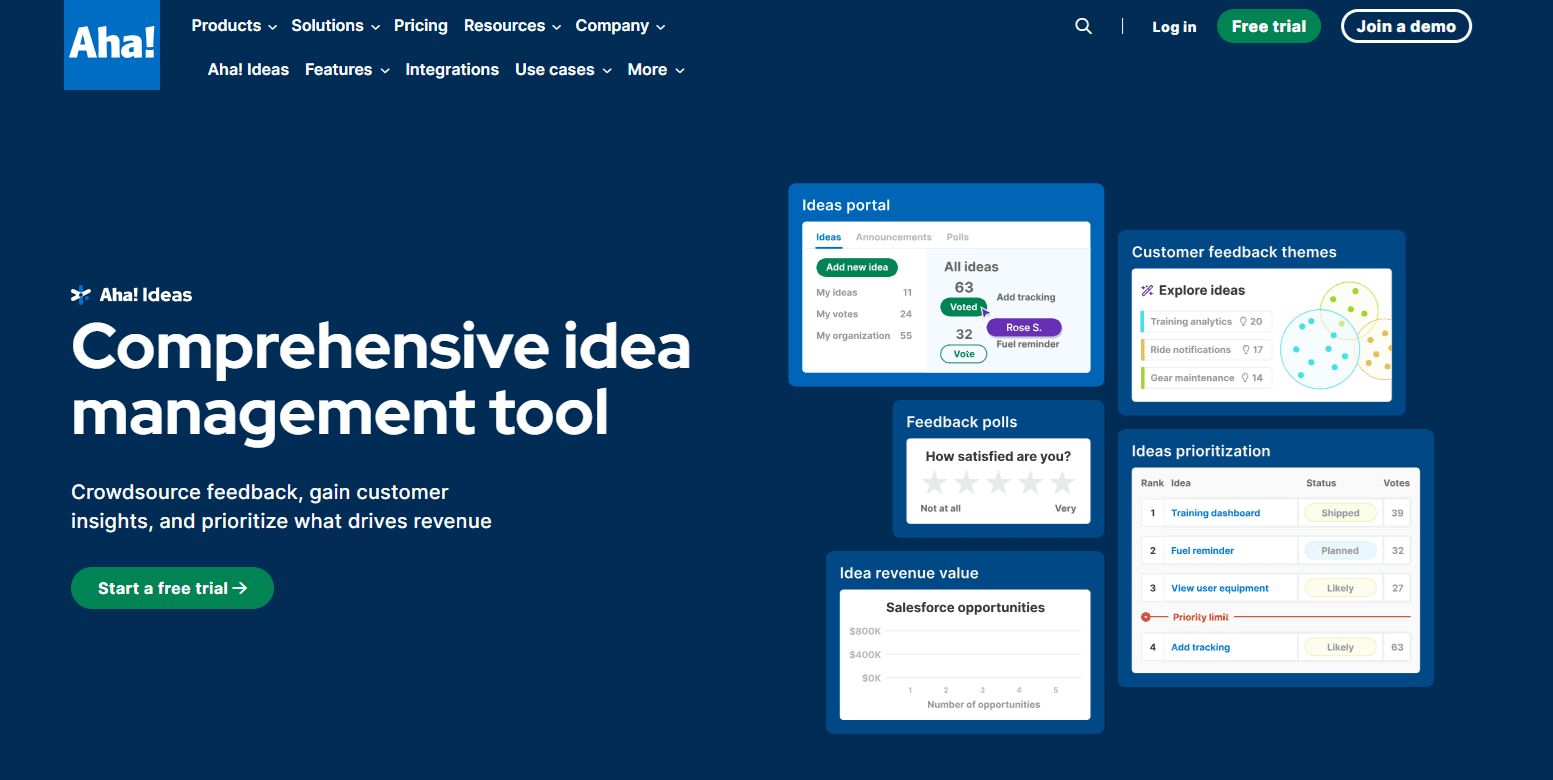
Designed for teams that want structure around customer input, this platform focuses on turning raw ideas into prioritized roadmap decisions. It combines public idea portals, voting, and research tools with scoring models tied to revenue and effort. Feedback doesn’t live in isolation—ideas flow directly into planning workflows, making it easier to move from request to roadmap while keeping customers informed along the way.
Key features:
Custom-branded idea portals with public and private access controls
Voting, proxy voting, and dynamic idea submission forms
AI-powered theme detection across large idea datasets
Flexible scoring models tied to impact, effort, and revenue
Customer and company-level feedback views and segmentation
Built-in status updates, announcements, and roadmap sharing
Deep integrations with Salesforce, Zendesk, Jira, and Aha! Roadmaps
Pros and cons:
Aha! Ideas excels at structured idea management and roadmap alignment, especially for revenue-driven teams. However, it’s heavier than lightweight feedback tools, less focused on in-app widgets, and can feel complex if you only need simple feedback collection or qualitative analysis.
Pricing:
Pricing starts at $39 per user per month for Aha! Ideas, with higher tiers bundling additional Aha! products like Roadmaps and Whiteboards. Costs scale per user, and advanced planning capabilities typically require multiple paid modules as teams grow.
7. Usersnap
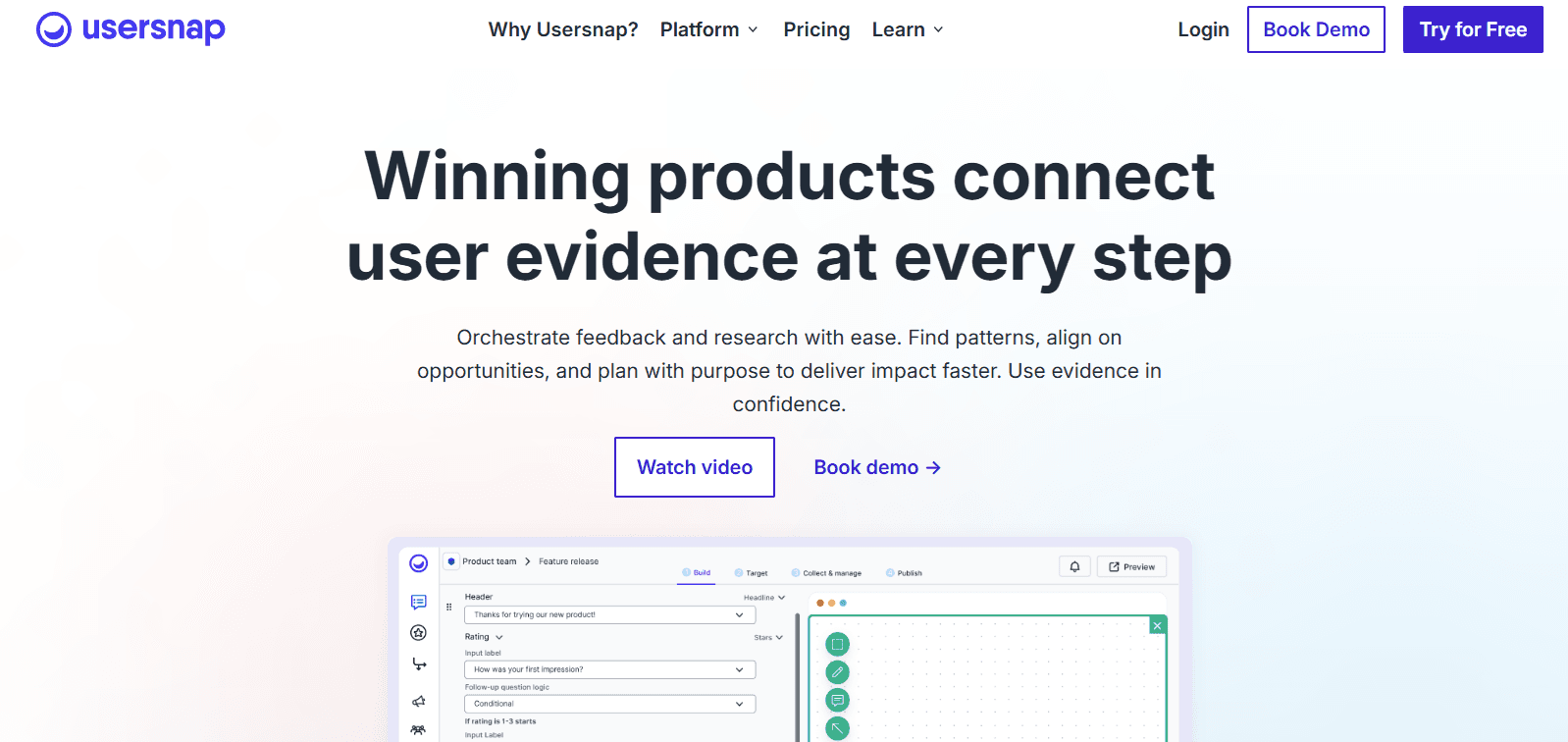
Usersnap focuses on capturing rich, visual feedback directly from users and tying it to faster product decisions. It combines in-app widgets, screenshots, video recordings, and AI-assisted categorization to help teams understand issues in context. With built-in workflows for triage, prioritization, and delivery, Usersnap works well for teams that want to connect qualitative evidence—especially bugs and UX issues—directly to engineering and product workflows.
Key features:
Visual feedback collection with screenshots, annotations, and screen recordings
In-app surveys and micro feedback widgets with targeting rules
AI-assisted categorization and trend detection across feedback items
Bug reporting with console logs, metadata, and environment details
Opportunity boards for prioritization and decision-making
User segmentation for targeted feedback and follow-up
Deep integrations with Jira, Azure DevOps, Zendesk, Slack, and more
Pros and cons:
Instead of focusing on roadmaps or public idea voting, Usersnap excels at visual feedback and bug-focused analysis. However, it’s less suited for long-term product strategy, public feedback portals, or roadmap communication compared to dedicated idea management tools.
Pricing:
Pricing starts with a free plan for up to 20 feedback items. Paid plans begin around $49 per month and scale through Growth, Professional, and Premium tiers, with pricing increasing based on projects, seats, AI features, and enterprise requirements.
8. Canny
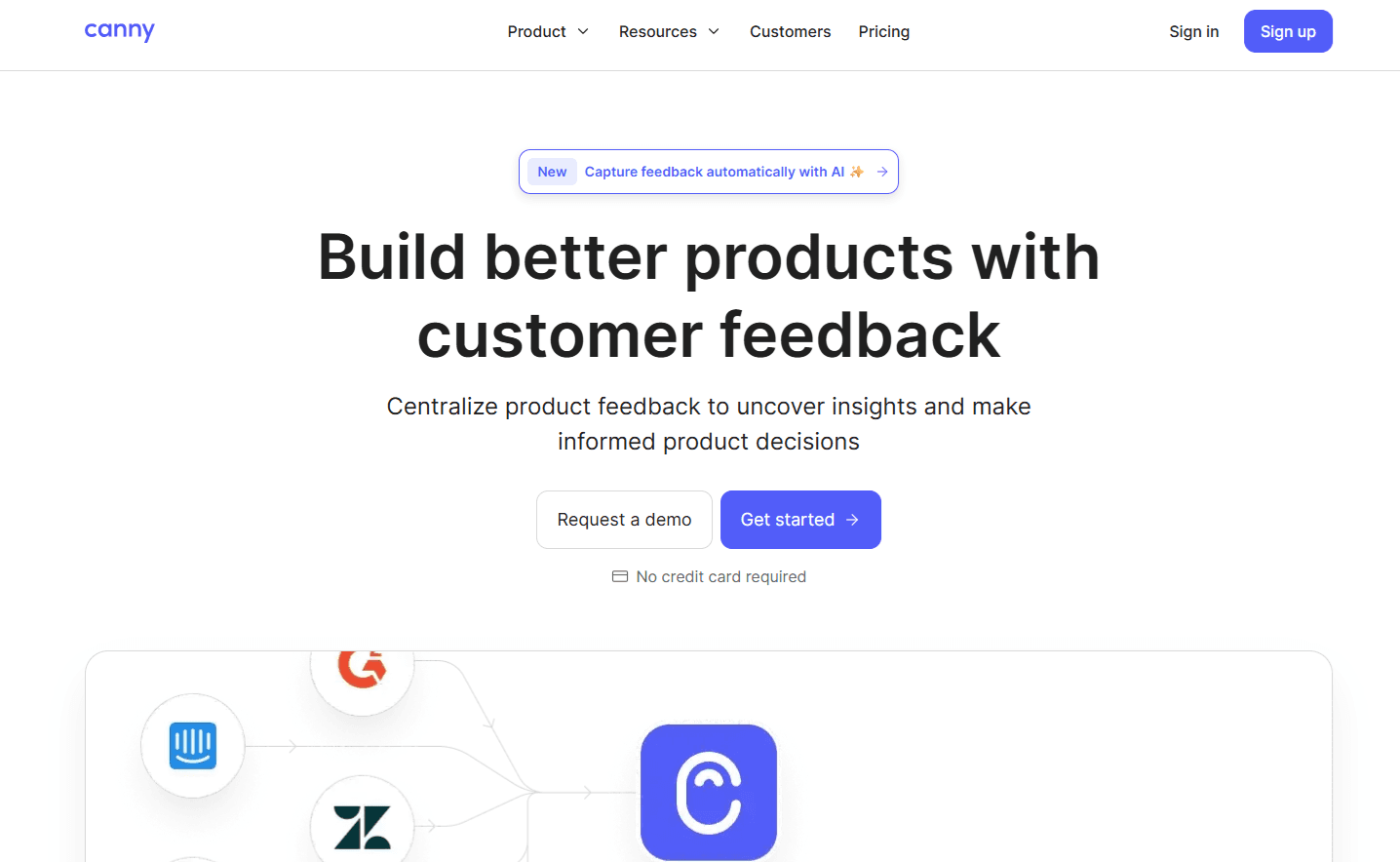
Built for teams that want clarity without heavy process, this platform centers on simple feedback collection and prioritization. Canny brings feature requests, ideas, and internal notes into clean voting boards, then layers on scoring and automation to highlight what matters most. It’s especially popular with mid-market SaaS teams that want a reliable way to listen to users, reduce noise, and keep customers informed without enterprise overhead.
Key features:
Public and private feedback boards with upvoting and discussion
Automatic feedback capture and deduplication using AI
Custom scoring formulas to prioritize feature requests
Public and private product roadmaps tied to feedback status
Built-in changelog and update notifications
User segmentation and tagging for organized analysis
Integrations with Intercom, Zendesk, Jira, Linear, Slack, and more
Pros and cons:
Canny offers an excellent balance of simplicity and structure for feature request management. However, it lacks deep qualitative research tools, advanced analytics, and rich in-product feedback experiences compared to more research- or analytics-focused platforms.
Pricing:
Pricing starts with a free plan for small teams, then scales to paid plans beginning around $19 per month when billed annually. Higher tiers unlock advanced automation, integrations, privacy controls, and SSO, with custom pricing available for larger organizations.
9. Hotjar
Rather than focusing on feature requests, this tool helps teams understand how users actually experience a product. Hotjar combines behavioral data like session recordings and heatmaps with lightweight feedback widgets and surveys. By pairing what users say with what they do, it’s especially useful for identifying usability issues, friction points, and conversion blockers across websites and web apps.
Key features:
Session recordings to observe real user interactions
Heatmaps showing clicks, scroll depth, and attention areas
On-site feedback widgets for quick qualitative input
Surveys and polls triggered by user behavior or page context
Funnel and journey analysis to identify drop-off points
User interviews and usability testing tools
Integrations with analytics, CRM, and optimization platforms
Pros and cons:
Hotjar excels at behavioral insight and UX discovery, but it’s not designed for structured feedback management, idea voting, or roadmap planning. Feedback analysis is relatively lightweight, and turning insights into prioritized product decisions requires additional tools.
Pricing:
Pricing starts with a free plan offering limited sessions and feedback tools. Paid plans begin around $39 per month when billed annually and scale based on session volume, data retention, and advanced analytics, with Pro and Enterprise plans available via sales.
10. Qualtrics XM
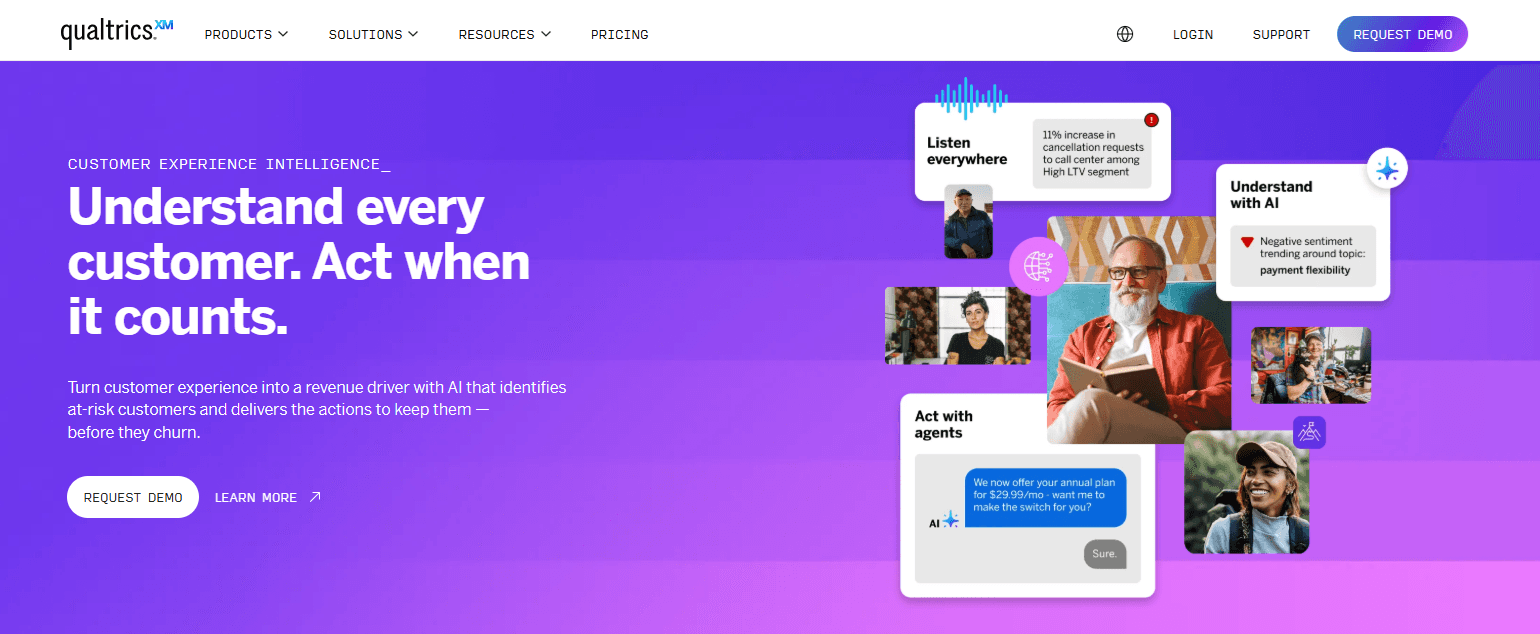
Qualtrics XM is built for organizations that need to analyze experience data at massive scale. It centralizes surveys, omnichannel feedback, and behavioral signals, then applies advanced analytics and AI to surface patterns, risks, and opportunities. Rather than focusing on feature requests, it excels at enterprise-grade voice-of-customer programs that connect feedback to operational, revenue, and retention outcomes across the business.
Key features:
Enterprise survey and feedback collection across digital and physical touchpoints
Advanced text and sentiment analytics powered by AI
Omnichannel voice-of-customer data unification
Predictive insights for churn, satisfaction, and experience gaps
Automated dashboards with role-based views and recommendations
Experience management workflows to close the loop at scale
Enterprise-grade security, compliance, and governance controls
Pros and cons:
Instead of lightweight product feedback workflows, Qualtrics XM delivers deep analytics and enterprise-scale insight. However, it’s complex to implement, expensive, and not well suited for simple feature voting, in-product feedback widgets, or agile product roadmap management.
Pricing:
Pricing is custom and based on planned usage, interaction volume, and selected experience suites. Qualtrics does not publish fixed tiers, with most teams engaging through sales-led contracts that scale across customer, employee, and research experience programs.
FAQs
What is user feedback analysis software?
User feedback analysis software helps product teams collect, organize, and interpret customer input from multiple sources. It turns raw feedback (like surveys, feature requests, and support tickets) into structured insights that inform product decisions, prioritization, and roadmap planning.
How is feedback analysis different from feedback collection?
Collection is about gathering input. Analysis is about making sense of it. Analysis tools add tagging, clustering, scoring, and reporting so teams can identify patterns, trends, and impact, rather than reacting to individual comments in isolation.
Do small teams really need feedback analysis tools?
Yes. Even small teams can be overwhelmed by scattered feedback. Lightweight tools help startups avoid building the wrong features early, while establishing feedback habits that scale as customer volume and internal complexity grow.
What features matter most when comparing tools?
Key features include centralized feedback intake, tagging or theme detection, prioritization frameworks, integrations with support and dev tools, and ways to close the loop with customers. The right mix depends on your team size and decision-making style.
Are AI-powered feedback tools worth it?
AI can significantly reduce manual work by summarizing comments, detecting themes, and flagging trends. However, AI works best when paired with clear workflows and human judgment—not as a replacement for product decision-making.
How do feedback tools support prioritization?
Most tools use voting, scoring models, or impact frameworks to rank requests. Some factor in customer segments, revenue potential, or effort estimates, helping teams balance customer demand with business goals and technical constraints.
Can these tools replace product analytics platforms?
No. Feedback tools explain why users feel a certain way, while analytics show what users do. The strongest product teams use both together to connect qualitative insight with behavioral data.
What’s the difference between idea boards and research-focused tools?
Idea boards focus on collecting and voting on feature requests. Research tools go deeper, analyzing interviews, recordings, and open-ended responses. Many teams use idea boards for prioritization and research tools for discovery.
How should teams choose the right tool?
Start by identifying your main pain point: too much feedback noise, poor prioritization, lack of customer communication, or deep research needs. Choose the tool that solves that problem best, not the one with the longest feature list.
User feedback analysis only works when it’s simple enough to use every day and powerful enough to drive real decisions.
If you want a fast, no-code way to turn customer feedback into clear priorities and confident roadmaps, try Frill and see how easy closing the feedback loop can be.

Dayana Mayfield
Dayana Mayfield is a B2B SaaS copywriter who believes in the power of content marketing and a good smoothie. She lives in Northern California.