Mouseflow vs. Hotjar: Which Is Better for Understanding User Behavior?
Last updated on Wed Feb 25 2026
If you want to improve your website, you need to understand how people actually use it, not just what they click, but where they hesitate, scroll, or drop off. That’s where tools like Mouseflow and Hotjar come in. Both promise to help you see user behavior through heatmaps and session replays, but they don’t work the same way.
So which one gives you clearer insights into your users’ experience? In this guide, we’ll compare Mouseflow vs. Hotjar across features, pricing, reviews, and privacy to help you figure out which tool makes the most sense for your team.
What is Mouseflow?
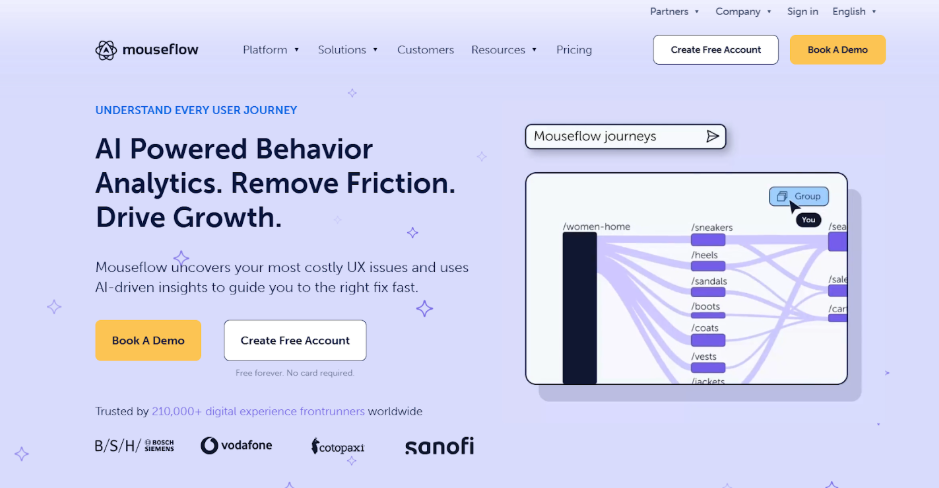
Mouseflow is a powerful website analytics tool that helps teams understand how users interact with their sites. Often considered a leading Hotjar competitor, it records every click, scroll, and interaction so you can see exactly where users struggle or drop off.
Its AI assistant, Mina, highlights key issues automatically, helping teams fix UX problems faster. With a strong privacy-first approach, transparent pricing, and over 30 integrations, Mouseflow is built for businesses that want deeper behavioral insights and smarter, data-backed optimization decisions.
Key features
Session replay recordings to watch every click, scroll, and interaction in real time
Advanced heatmaps to visualize clicks, movement, scroll depth, and attention hotspots
AI-powered friction detection to automatically surface UX issues and conversion blockers
User journey analytics to map complete paths across pages and funnels
Funnel analysis tools to identify drop-off points in conversion flows
Form analytics to uncover where users hesitate, abandon, or struggle
100% session recording rate to eliminate sampling blind spots
Built-in privacy controls with anonymization, masking, and compliance features
30+ integrations to connect behavior data with your marketing, analytics, and support tools
Transparent, scalable pricing designed for growing teams
Pricing
Mouseflow offers a free plan for limited traffic, with paid plans starting at $25/month. Advanced tiers ($109 and $319/month) unlock deeper funnel analysis and integrations. You can save up to 35% with annual billing, and paid plans include a 14-day free trial.
User reviews
Most users feel very positive about Mouseflow, consistently praising its ease of use, intuitive dashboard, and quick setup. Many say session replays and heatmaps provide clear, actionable insights that help them improve UX and increase conversions.
Teams especially value its friction detection and journey analytics for uncovering real user behavior. However, some users mention that pricing can become expensive as traffic grows. Others note occasional data inaccuracies, filtering limitations, or minor UX bugs. Overall, most customers see Mouseflow as a powerful, insight-driven tool that delivers strong value for optimization efforts.
Ratings
4.6 stars on G2
4.7 stars on Capterra
What is Hotjar?
Hotjar is a leading mouseflow alternative and website analytics platform designed to help teams understand user behavior and improve experiences. With it, you can see how visitors click, scroll, and navigate your site, while collecting feedback to understand why they behave that way.
Now part of Contentsquare, Hotjar combines powerful insights with ease of use, letting teams capture 100% of user data, identify friction points, and prioritize optimizations. With enhanced session capture, attention heatmaps, and AI-driven summaries, it helps businesses quickly turn behavior insights into actionable improvements. In summary, Hotjar makes user experience optimization approachable and impactful.
Key features
Heatmaps to visualize clicks, scrolls, and attention hotspots
Session replay to watch exactly how users navigate your site
Funnels to identify drop-off points in key journeys
Surveys and feedback tools to understand user motivations
Attention heatmaps to highlight where visitors spend the most time
Experience monitoring to detect errors and performance issues
AI-driven insights with Sense for faster understanding of user behavior
100% session capture with no sampling for complete data
Integrations with tools like Google Analytics, HubSpot, and Jira
Unmoderated user tests to uncover friction points and motivations
Pricing
Hotjar offers a Free plan with basic session replay, heatmaps, and funnels. Paid plans start at $49 per month or $39 yearly, adding AI insights, journey analysis, and advanced integrations. Pro and Enterprise are custom plans that support higher sessions and deeper analytics.
User reviews
Users generally find Hotjar intuitive, visual, and highly useful for understanding real user behavior. Heatmaps and session recordings make spotting UX issues straightforward, even for non-technical teams.
Many praise its ease of setup and actionable insights for conversion optimization. However, some note limitations on the free plan, occasional session-loading delays, and filtering challenges with large datasets.
Ratings
4.3 ratings on G2
4.6 rating on Capterra
Mouseflow vs. Hotjar: How do they compare?
When deciding between Mouseflow and Hotjar, you have to consider ease of use, feature depth, pricing, and privacy. Each platform offers unique strengths that impact how you understand user behavior, and in this breakdown, we’ll compare them side by side.
User‑friendliness
Mouseflow is generally intuitive, with a clean dashboard that most non‑technical users can pick up quickly, though a few advanced filters take some getting used to. Hotjar, on the other hand, is often praised for its quick setup and overall simplicity, with heatmaps and session recordings easy to access, making it ideal for beginners.
When it comes to ease of use, it’s a close call: Hotjar feels simpler right out of the box, while Mouseflow offers a bit more depth as you dive into its features. Both are user-friendly in their own ways.
Mouseflow • Intuitive dashboard • Slight learning curve for advanced filters
Hotjar • Easy setup • Simple interface • Strong for beginners
Verdict • Tie • Hotjar feels simpler at first • Mouseflow scales better with deeper controls
Heatmaps
Both Mouseflow and Hotjar offer these valuable features. Heatmaps, which visually show where users click, scroll, and focus their attention, help you understand how people interact with your site. Mouseflow provides multiple heatmap types automatically for every page, along with robust segmentation options to dig deeper into user behavior.
Hotjar delivers clear, easy-to-read heatmaps that highlight clicks, scrolls, and attention zones, now enhanced with attention heatmaps through Contentsquare. While Hotjar shines for visual clarity, Mouseflow stands out for variety and segmentation, giving you more ways to analyze user interactions.
Mouseflow • Multiple heatmap types generated automatically • Strong segmentation capabilities
Hotjar • Visual heatmaps (clicks, scrolls, attention zones) • Enhanced attention heatmaps via Contentsquare
Verdict • Very close comparison • Hotjar excels in visual clarity • Mouseflow wins on variety and segmentation
Session replay
Session replay lets you watch exactly how users navigate your site, showing their clicks, scrolls, and interactions in real time. Mouseflow provides high-fidelity, full-session recordings, complete with AI-driven insights and friction detection to highlight where users struggle.
Hotjar also offers effective session recordings that make it easy to visualize user paths, though some users mention occasional loading or filtering limitations. Overall, Mouseflow takes the lead here, thanks to its deeper filtering options and richer analytical context, making it easier to pinpoint and act on user behavior.
Mouseflow • High-fidelity full-session recordings • AI insights • Friction detection
Hotjar • Effective session recordings • Occasional loading and filtering limitations
Verdict • Mouseflow edges ahead • Stronger filtering and deeper analytical context
Pricing
When it comes to pricing, both Mouseflow and Hotjar offer options for different needs. Mouseflow has a free plan and paid tiers starting around $25/month, with higher plans unlocking advanced analytics.
Hotjar’s free plan is generous, covering up to 200k sessions per month, and its Growth plan starts at $49/month ($39 if billed yearly), with higher tiers available via custom pricing. For beginners or smaller sites, Hotjar’s free and low-tier plans offer more upfront value. Mouseflow, on the other hand, scales better for larger sites or deeper analytics. So, the right choice depends on your traffic volume and the type of user insights you want.
Mouseflow • Free plan available • Paid plans start at $25/month • 14-day trial on paid plans
Hotjar • Free plan with up to 200k sessions/month • Growth plan: $49/month ($39/month billed yearly) • Higher tiers available with custom pricing
Verdict • Hotjar is more generous at the entry level • Overall value depends on traffic volume and specific needs
Reviews
Mouseflow leads slightly on overall user satisfaction, scoring around 4.6/5 for insights, heatmaps, and ease of use. Hotjar rates 4.3/5, with users praising its usability and visual clarity.
Mouseflow • 4.6/5 rating • Praised for insights, heatmaps, and ease of use • Some concerns about pricing and filtering limits
Hotjar • 4.3/5 rating • Praised for usability and visual insights • Some concerns about filtering and free plan restrictions
Verdict • Mouseflow leads slightly in overall user satisfaction
Privacy
Mouseflow is built in Europe with privacy at its core, offering anonymization, compliance controls, and a strict no‑data‑selling policy. Hotjar is GDPR and CCPA ready and works well for many teams, though some settings need careful setup. Overall, Mouseflow is often seen as the better choice for privacy‑focused environments.
Mouseflow • Built in Europe • Strong anonymization features • Compliance controls • Does not sell data
Hotjar • GDPR and CCPA ready • Suitable for many teams • Some settings require careful configuration
Verdict • Mouseflow is stronger for privacy-focused environments
Mouseflow and Hotjar competitors
Mouseflow and Hotjar aren't the only tools that offer those features. Here are some other alternatives to consider.
1. Crazy Egg
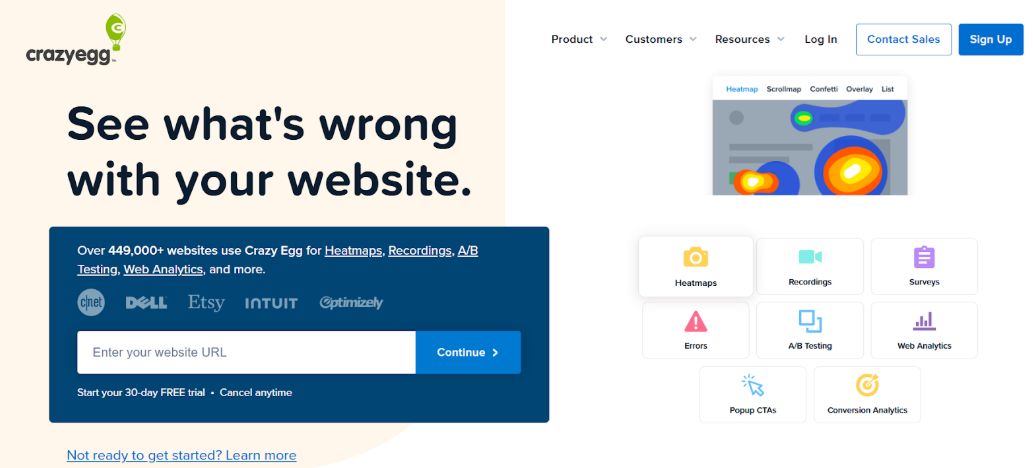
Crazy Egg shines with visual heatmaps—confetti and scrollmaps—and A/B testing, offering deeper insights than Hotjar. Track clicks, scrolls, and element performance without cookies, spotting frustration like Mouseflow. Perfect for WordPress, it’s easy to set up, integrates quickly, and lets you tweak pages in real time for better conversions.
2. Fullstory
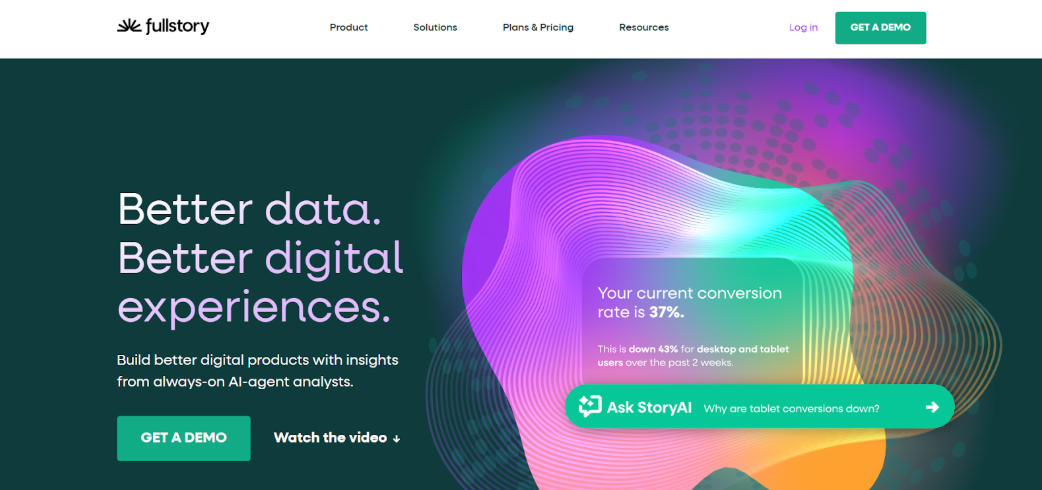
FullStory offers omnireplay session recordings with rage-click detection and funnel analysis, going beyond Hotjar for enterprise-level debugging. It blends qualitative feedback with quantitative metrics, similar to Mouseflow surveys, while supporting mobile. Perfect for teams needing error tracking and detailed user journey segmentation across multiple devices.
3. Extellio
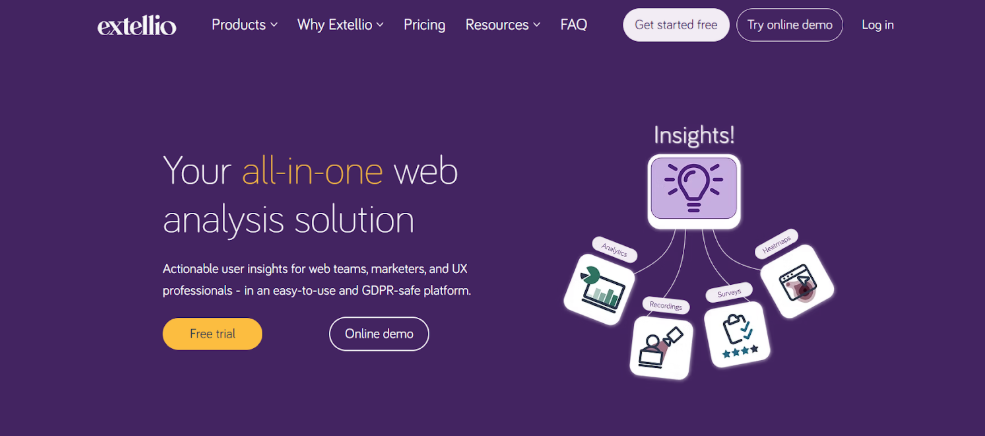
Extellio offers GDPR-compliant, cookieless tracking with heatmaps, session replays, and surveys, matching Hotjar’s visuals and Mouseflow’s feedback. It connects analytics with survey data for funnels, forms, and target-group journeys, making UX decisions easier. Ideal for e-commerce, it includes A/B testing and user-friendly dashboards for non-technical teams.
When Heatmaps aren’t enough: Add direct user feedback with Frill
Heatmaps are excellent for showing what users do on your site—where they click, scroll, and linger—but they can’t tell you why they behave that way. That’s where Frill comes in. By adding direct user feedback alongside behavioral analytics, you get a fuller picture of your visitors’ experience. Frill makes it simple to collect insights straight from your audience through surveys, polls, and feature requests.
Imagine seeing a drop-off in a conversion funnel on your Mouseflow or Hotjar heatmaps. With Frill, you can ask visitors exactly why they hesitated or abandoned the process, capturing feedback in real time. This qualitative input complements the quantitative data from session recordings and heatmaps, helping you understand pain points, frustrations, and opportunities that numbers alone can’t reveal.
Frill also makes feedback actionable. You can organize responses by feature requests, bug reports, or general suggestions, and prioritize improvements that matter most to users. When combined with heatmaps, session replays, and funnel analytics, Frill turns your insights into a complete UX story, showing both behavior and intent.
Frequently asked questions
Do Mouseflow or Hotjar integrate easily with WordPress, Shopify, or other platforms?
Both Mouseflow and Hotjar integrate easily with WordPress, Shopify, and other platforms. Hotjar uses simple scripts or plugins, while Mouseflow offers broader prebuilt options and flexible connections for seamless setup.
Which is better for beginners, Mouseflow or Hotjar?
Hotjar is often preferred by beginners for its simple setup, intuitive interface, and easy access to heatmaps and session recordings, while Mouseflow scales better for advanced tracking and analysis.
How do Mouseflow and Hotjar compare on heatmaps and session replay features?
Mouseflow offers multiple heatmap types and AI-driven session replay, while Hotjar focuses on clear visual heatmaps and basic recordings. Hotjar is simpler; Mouseflow provides deeper insights and segmentation.
Which platform offers more affordable pricing for small to mid-sized websites?
Hotjar’s free plan and lower-tier Growth plan provide generous entry-level access. Mouseflow starts lower but can scale, so affordability depends on traffic and the level of analytics needed.
Does Mouseflow or Hotjar provide better data filtering and segmentation?
Mouseflow leads in filtering and segmentation, offering advanced options for analyzing user paths, session behavior, and friction events. Hotjar’s filters are simpler and more limited at scale.
Can both Mouseflow and Hotjar track mobile and desktop user behavior effectively?
Yes, both platforms capture desktop and mobile interactions. Hotjar is easy for beginners, while Mouseflow offers detailed tracking, AI insights, and advanced segmentation across devices.
Looking for a better way to collect and act on user feedback? Learn more about Frill.