Discover what a customer feedback portal is, why it matters, must-have features, and the best tools to centralize and act on user input.
Tired of chasing feedback across emails, chats, and random surveys? A customer feedback portal can fix that. It collects and centralizes all your user input, helping you track ideas, prioritize improvements, and show people their voices matter. In this guide, you’ll learn what a feedback portal is, its must-have features, the best tools available, and how to choose one that fits your business needs perfectly.
What are feedback portals?
Feedback portals let users, customers, or team members share what’s working, what’s not, and what they’d love to see next. Instead of juggling random messages, emails, or survey links, everything lands in one organized, easy-to-manage place, so you can act on the feedback that matters most.
Users can submit ideas, report issues, or request features directly through the portal. The platform can then display the submissions publicly (or privately, depending on settings) so others can comment, upvote, or follow updates.
On your end, you can group similar suggestions, tag themes, and prioritize what to work on next. Many portals even connect with project management tools like Jira, Trello, or Slack, letting feedback flow straight into your workflow instead of getting lost in translation.
What really sets a user feedback portal apart from regular feedback forms or surveys is the two-way conversation it creates. Traditional forms collect input once, often never to be seen again. Portals keep the dialogue open. They let you respond publicly, share what’s planned or in progress, and close the loop by announcing what’s been fixed or launched.
In short, a feedback portal goes beyond collecting opinions. It also helps you build a living, breathing connection with your users. It turns scattered suggestions into organized insights and shows your community that their voices genuinely shape your decisions.
Why businesses need a feedback portal
For a SaaS company or other businesses, a feedback portal is more than just a suggestion box. It’s a direct line to your users’ needs, frustrations, and best ideas. Having one in place can transform how you build, prioritize, and improve your product. Other specific benefits include:
Centralized feedback management: A feedback portal gathers all user input in one organized place. Instead of digging through emails, support tickets, or social threads, your team can easily access, sort, and track everything from a single dashboard.
Smarter prioritization: When users can upvote or comment on feature requests, you instantly see what matters most to them. This helps your team prioritize improvements based on real demand rather than assumptions or internal opinions.
Transparent communication: A public feedback portal shows users that their voices are heard. By updating the status of requests or displaying progress on a roadmap, you create a transparent feedback loop that builds trust and customer loyalty.
Stronger cross-team alignment: Product managers, developers, and customer success teams can all use the same feedback data to guide decisions. That shared visibility reduces confusion and ensures everyone works toward the same goals.
Faster development cycles: By clearly identifying the most valuable features and fixes, teams spend less time debating priorities and more time building. This speeds up delivery and increases overall product quality.
Enhanced customer engagement: Inviting users to participate in product decisions turns them from passive customers into active contributors. Engaged users are more likely to stay loyal, advocate for your product, and provide ongoing insights.
Data-driven decision-making: Feedback portals offer analytics and reporting tools that turn user input into actionable trends. These insights help you track satisfaction, measure impact, and make strategic improvements over time.
Core features of an effective feedback portal
Feedback portals aren’t all built equal. Some offer just the basics, like simple idea submission forms, while others come packed with advanced tools that turn raw feedback into actionable insights. The best ones strike a balance between ease of use, collaboration, and transparency.
Here are the core features that make a SaaS feedback portal truly effective:
1. Feedback collection tools
An effective feedback portal makes sharing ideas and suggestions effortless. It provides simple yet flexible ways for users to submit feedback through forms, widgets, pop-ups, or in-app prompts. This accessibility ensures no valuable insight gets lost. Whether users are reporting bugs, suggesting features, or leaving comments, intuitive collection tools make participation easy and consistent.
2. Voting and commenting system
A built-in voting and commenting system transforms feedback from one-way input into a collaborative experience. Users can upvote the ideas they agree with and discuss them openly, revealing trends and shared priorities. This engagement highlights high-impact suggestions, helping teams identify what matters most to their user base and make data-backed product decisions.
3. Categorization and tagging
Organizing feedback effectively is crucial when dealing with large volumes of input. Categorization and tagging features allow teams to label feedback by theme, feature, or urgency. This structure makes it easy to filter through ideas, group related suggestions, and identify recurring issues, saving time while ensuring no important pattern goes unnoticed.
4. Roadmap integration
Roadmap integration connects feedback to your product’s future. It lets users see which ideas are under review, in progress, or already live. This visibility not only manages expectations but also builds excitement around upcoming updates. It helps your team communicate priorities clearly while showing users that their feedback truly shapes development.
5. Status updates and changelogs
Keeping users in the loop is essential for transparency. Status updates and changelogs show the progress of requested features or fixes and announce what’s new. Regular updates demonstrate responsiveness and accountability, reassuring users that their voices are heard and valued. This helps strengthen trust and long-term engagement.
6. Analytics and reporting
Analytics and reporting tools turn feedback data into actionable insights. They help you track submission trends, analyze user sentiment, and measure engagement over time. With this information, teams can identify common pain points, spot emerging opportunities, and make informed decisions that align with both customer needs and business goals.
7. User segmentation
Not all feedback carries equal weight, and segmentation helps you prioritize smartly. By filtering responses by user type, subscription plan, or region, teams can focus on the needs of their most valuable or at-risk customers. This targeted approach ensures product improvements deliver maximum impact and customer satisfaction.
8. Integrations with workflow tools
Seamless integrations with tools like Jira, Trello, or Slack streamline the feedback process. When new suggestions or bug reports flow directly into your existing workflow, your team can act faster and stay aligned. These integrations eliminate manual handoffs, keeping feedback actionable and connected to your development or support systems.
The best customer feedback portal tools
To simplify your search for the right feedback portal for your product and business, here are ten of the top solutions:
1. Frill
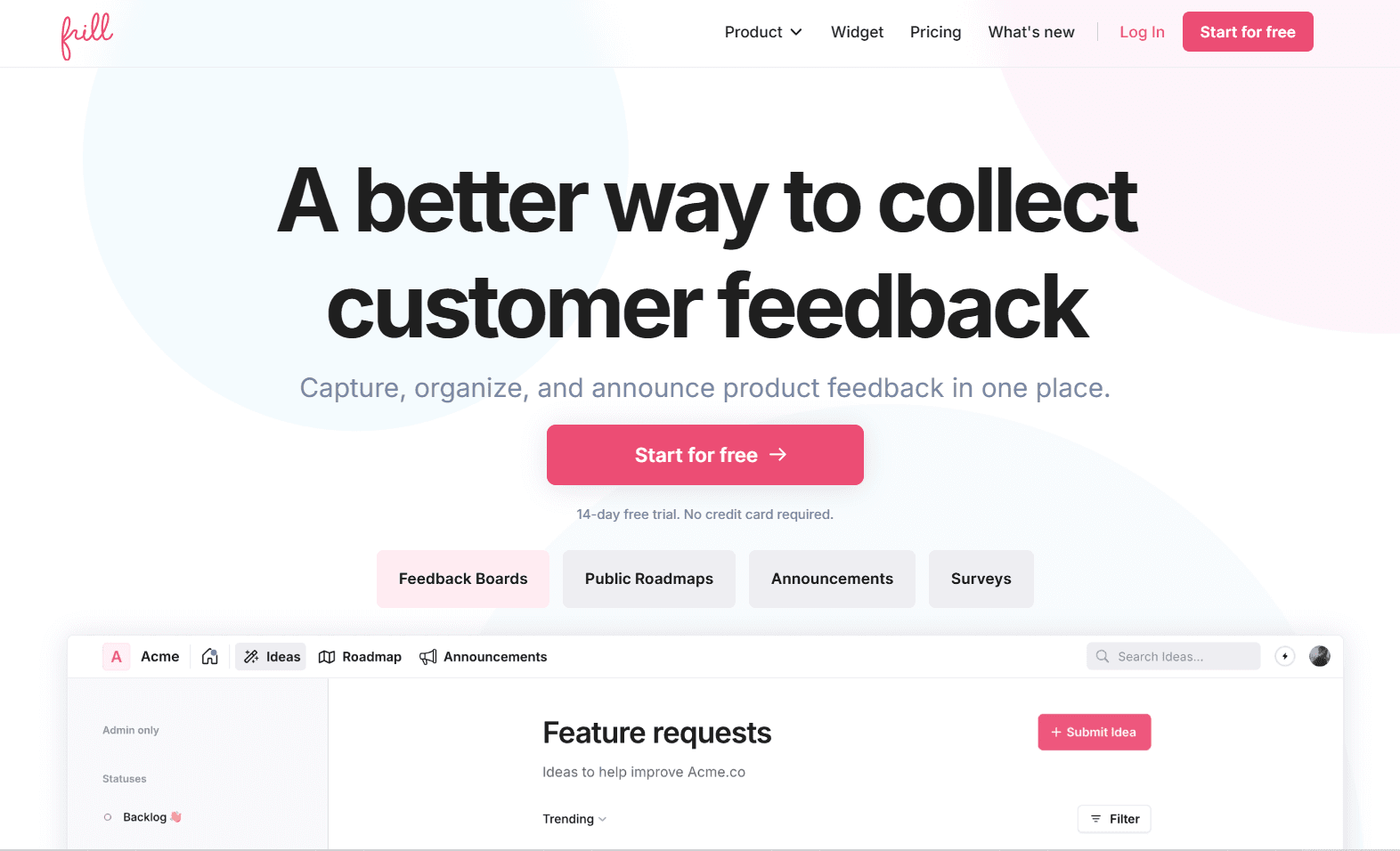
Frill is more than just a feature feedback portal. It’s an all-in-one system for collecting, organizing, and acting on customer insights. Designed for simplicity and speed, Frill combines feedback boards, public roadmaps, and announcement tools in one sleek platform. Its intuitive interface makes setup effortless, while integrations with Slack, Jira, Trello, and more keep teams aligned.
With automatic status updates, SSO support, and customizable branding, Frill helps businesses maintain transparency and strengthen customer trust. Backed by glowing reviews for its clean design and responsive support, Frill is a favorite among SaaS teams that want a powerful yet easy-to-use feedback solution.
2. Canny
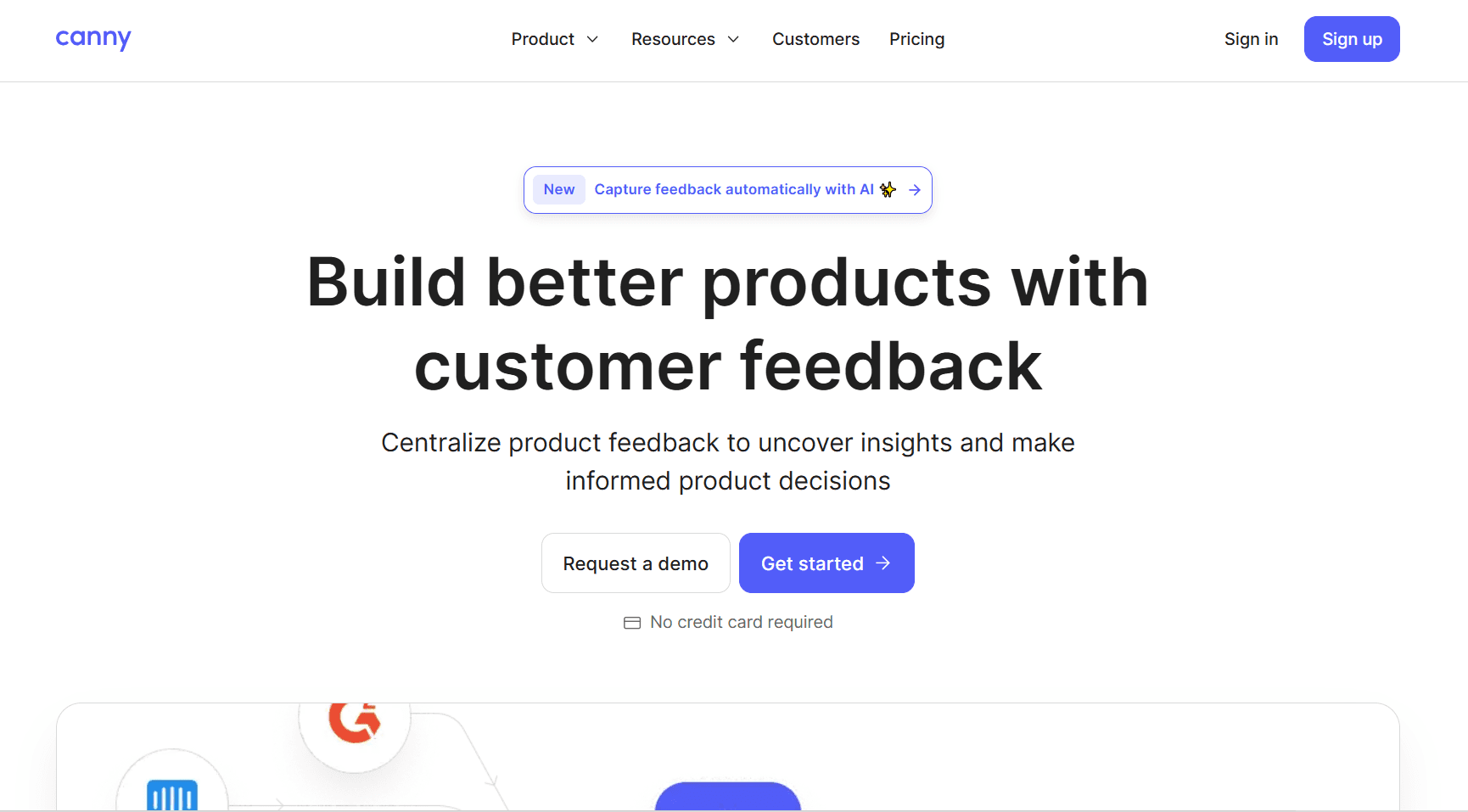
Canny is a powerful feedback management tool that helps SaaS teams collect, analyze, and prioritize user input in one organized platform. Its AI-powered features like automatic feedback capture, duplicate detection, and comment summarization make it easy to manage large volumes of customer data efficiently.
However, while Canny excels in automation and analytics, it lacks some of the customization and user experience finesse that Frill offers. Frill’s cleaner interface, more flexible branding options, and engaging roadmap and announcement features make it better suited for customer-facing transparency and simplicity.
3. Userback

Userback stands out as a visual-first feedback portal built for speed and clarity. Unlike more roadmap-heavy tools like Frill or Canny, Userback focuses on helping teams see exactly what users experience through screen recordings, video feedback, and annotations. This visual context eliminates guesswork, making bug reports and feature requests easier to act on.
It’s also lightweight, quick to set up, and fits neatly into existing workflows withJira and Slack integrations. While it’s less community-driven than Frill, Userback shines for teams that prioritize fast, contextual feedback over public voting boards or feature discussions.
4. FeedBear
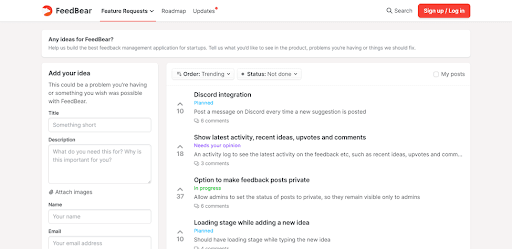
FeedBear stands out for its simplicity, speed, and affordability. Its feature feedback portal offers everything product teams need to collect, prioritize, and act on user input, without unnecessary complexity.
With a setup that takes just a minute, FeedBear makes it easy to create branded boards, organize ideas, and build transparent roadmaps users love. Lastly, automatic notifications keep customers in the loop as you respond to their feedback. It’s a great option for startups and small teams that want to engage users, close feedback loops, and improve products effortlessly.
5. ProdPad
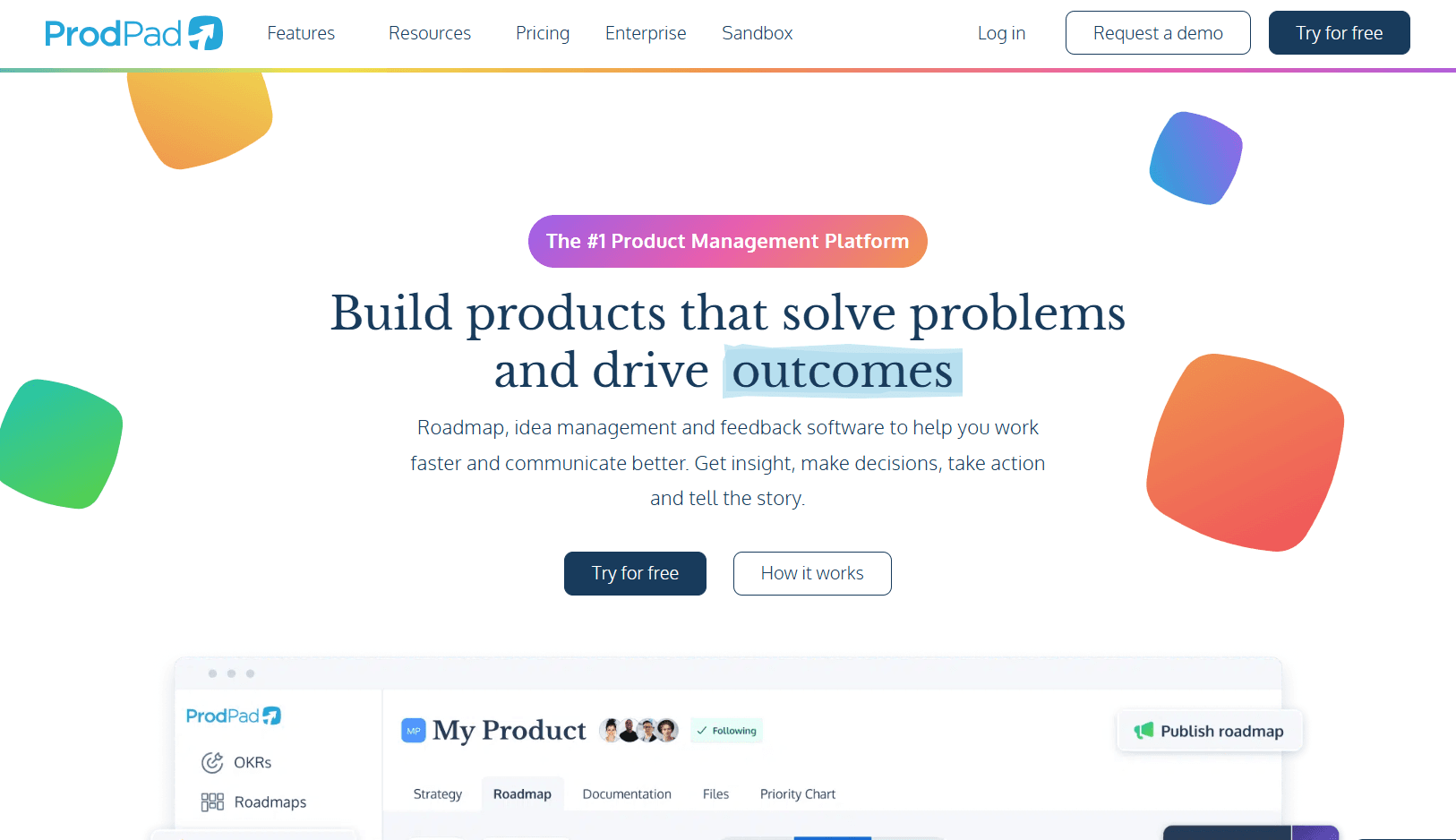
ProdPad is an all-in-one product management and feedback tool built to eliminate guesswork. It goes beyond basic portals by connecting customer feedback directly to ideas, goals, and strategy, helping teams prioritize what truly matters.
Its dynamic roadmaps, OKR tracking, and advanced AI assistant (CoPilot) make managing ideas and aligning stakeholders effortless. Unlike simpler feedback tools, ProdPad is ideal for scaling SaaS companies that need a centralized, strategic workspace to tie feedback to real business outcomes and measurable impact.
6. Upvoty
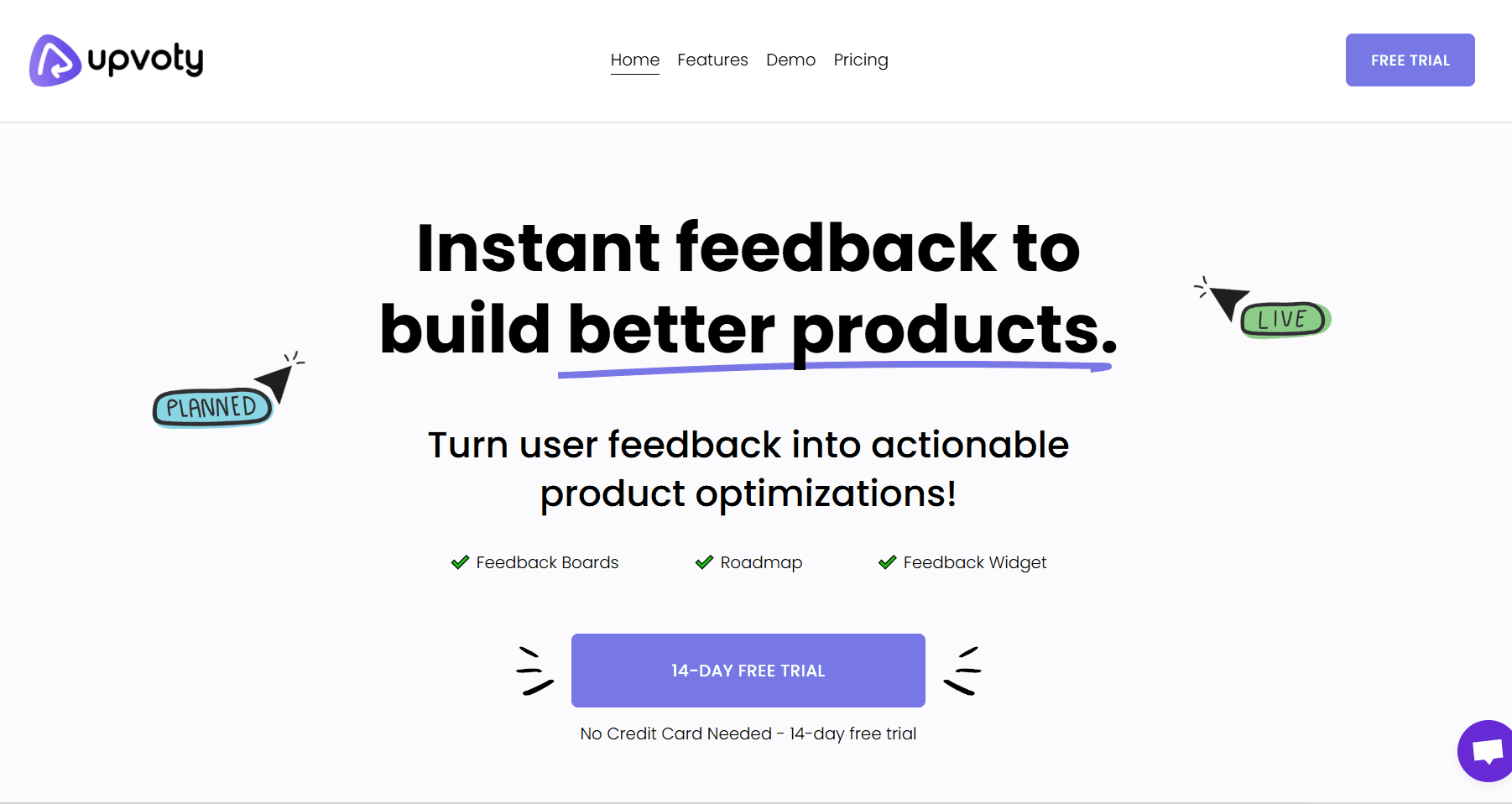
Upvoty makes community-driven product development simple and transparent. It gives users a clear voice through feedback boards, upvoting, and commenting, helping teams instantly spot high-impact ideas. Its public roadmap and changelog turn users into active participants by showing what’s planned, in progress, or released.
With features like post-merging, custom domains, and internal boards for private feedback, Upvoty adapts to both public and internal workflows. Teams can also automate updates and stay organized without extra tools.
7. Sleekplan
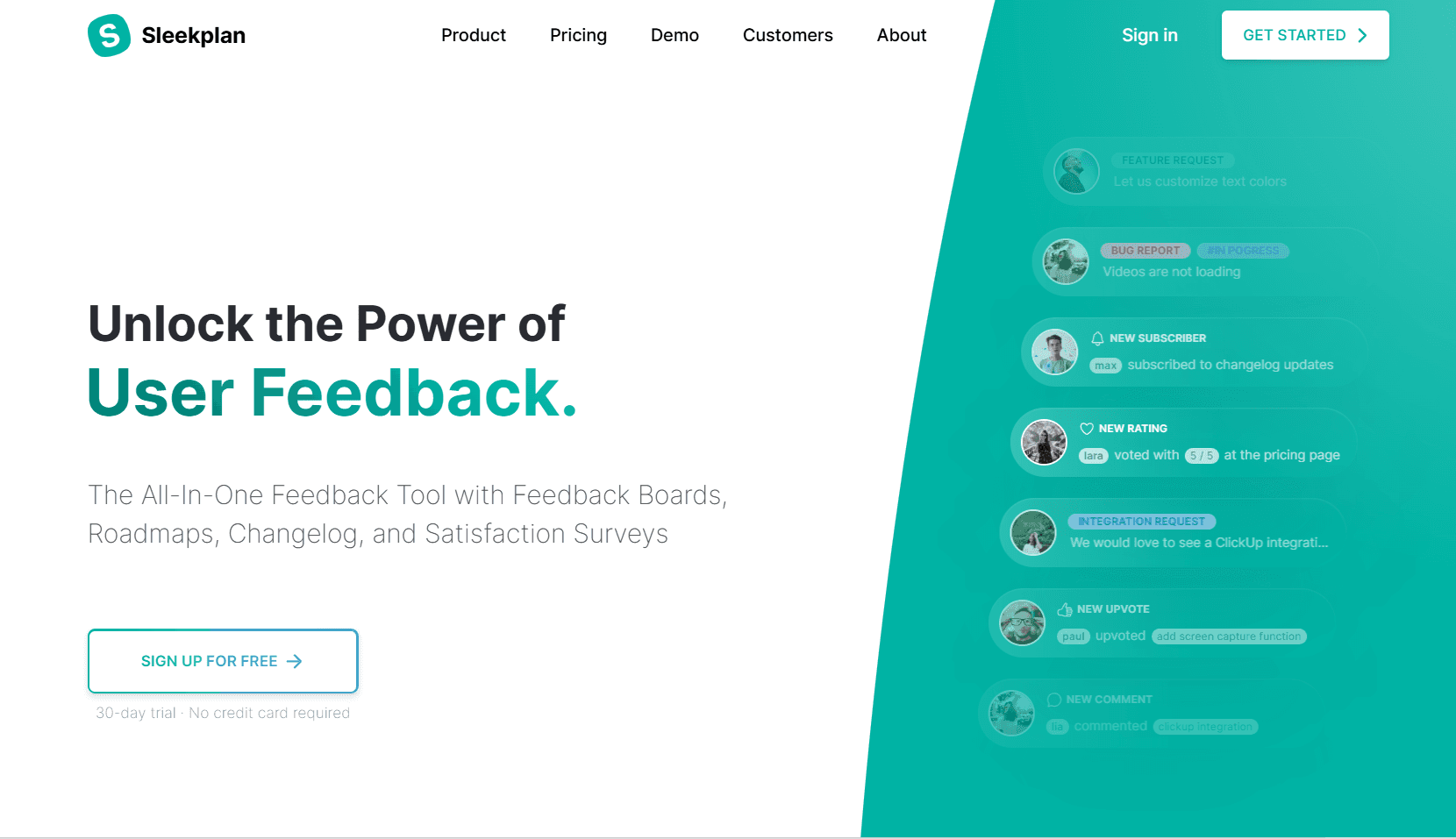
This platform blends user feedback with satisfaction tracking, making it more than just a voting or roadmap tool. It not only gathers ideas and feature requests but also measures user happiness through built-in CSAT and NPS® surveys. This helps teams link feedback directly to satisfaction levels.
With customizable widgets, private posts, and team-specific boards, Sleekplan fits seamlessly into diverse workflows. Its segmentation tools and integrations with platforms like Jira, Slack, and WordPress keep teams aligned while ensuring decisions are backed by real user insight.
8. Featurebase
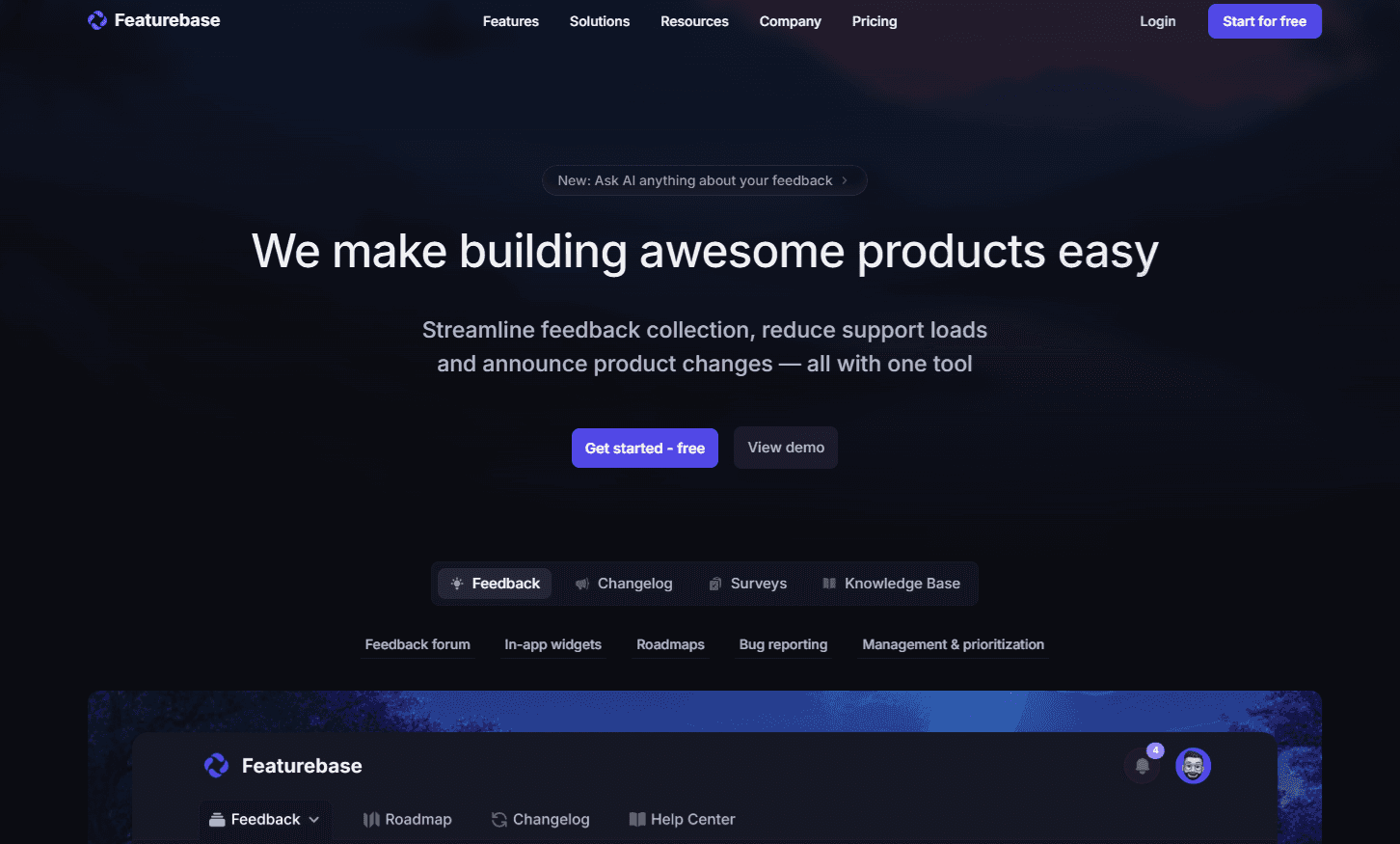
Featurebase is a feedback portal that combines user feedback, support, and engagement in one streamlined platform. Capture ideas, feature requests, and bug reports through forums or in-app widgets, then prioritize them with AI and revenue-based insights. Create public or private roadmaps, automate updates, and link feedback to customer data.
You can also support users with an AI-powered inbox, customizable messenger, and self-service help center. Finally, announce new updates with branded changelogs and measure satisfaction with built-in NPS surveys.
9. Supahub
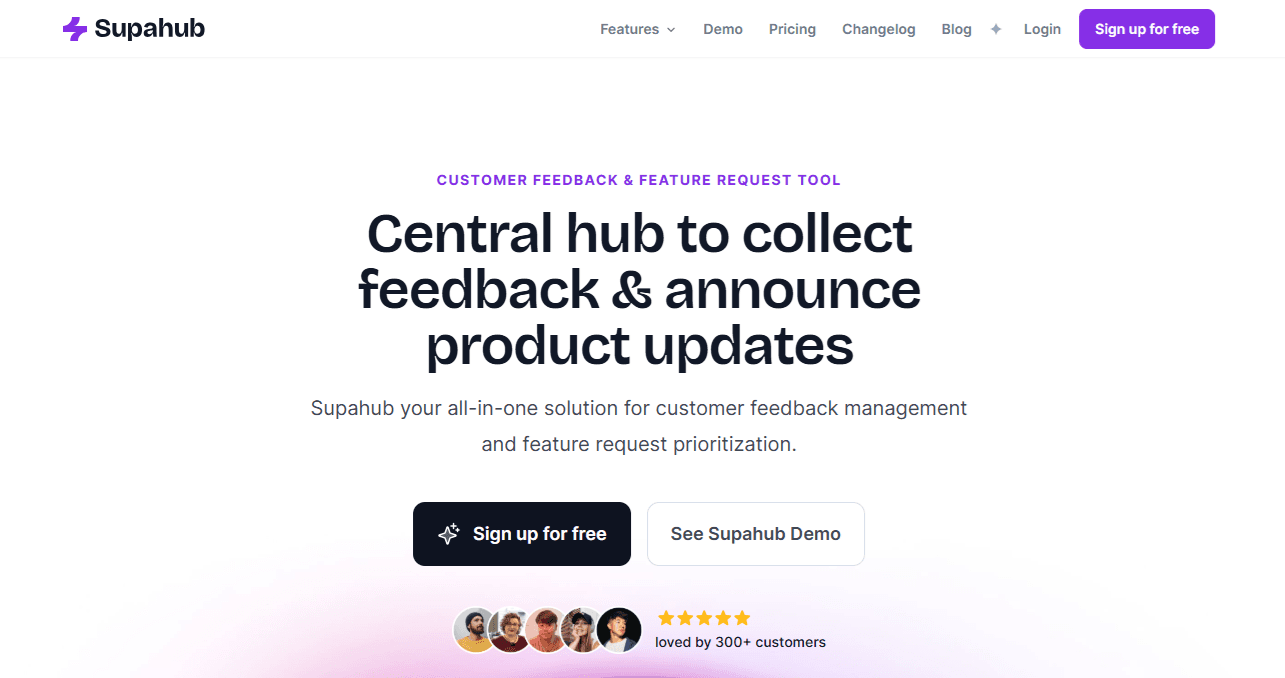
Supahub lets users share feature requests through branded public portals or in-app widgets while teams organize insights on customizable boards. With tools that help you weigh features by impact and effort, share public roadmaps, and post clear changelogs, Supahub makes product development more transparent and keeps users actively involved in the process.
Teams can also vote on behalf of users, merge duplicate posts, and manage board privacy. Its intuitive design, multilingual support, and seamless customization help SaaS teams stay connected to customer needs and build products that truly align with user expectations.
10. FeatureOS
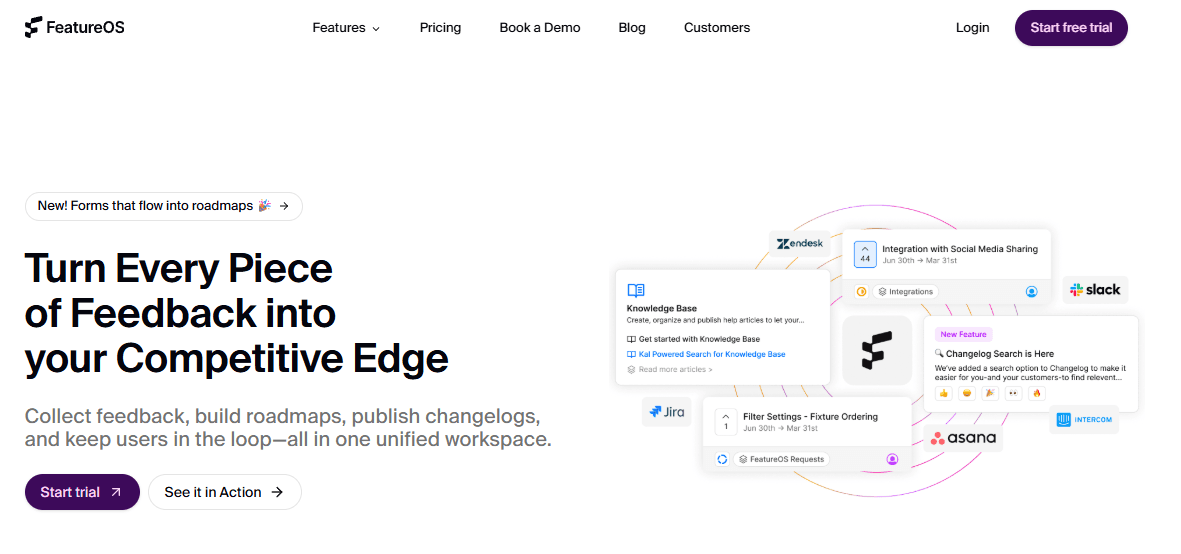
Formerly Hellonext, FeatureOS helps teams bridge the gap between customer input and product decisions. It gives companies a centralized space to gather suggestions, run AI-powered surveys, and turn recurring themes into clear priorities. Interactive roadmaps show users what’s in progress, while smart changelogs automatically announce updates.
Instead of juggling forms, boards, and emails, teams can manage the entire feedback cycle from one intuitive dashboard. By blending automation with transparency, FeatureOS helps product managers move faster, communicate better, and keep users genuinely engaged in the product’s evolution.
How to choose the right feedback portal tool for your business
Choosing the right feedback portal tool takes more than just comparing features—it’s about finding one that fits your team’s workflow and goals. Here’s a step-by-step guide to help you decide:
Define your goals: Identify what you want to achieve, whether it’s collecting feature requests, managing bugs, or improving user engagement.
Assess ease of use: Pick a tool that’s intuitive for both your team and customers to avoid friction in adoption.
Check customization options: Ensure the portal lets you tailor boards, branding, and privacy settings to fit your business needs.
Review integrations: Look for compatibility with your existing tools like Slack, Jira, or Intercom to streamline workflows.
Evaluate automation and AI features: Choose a platform that can categorize, summarize, and prioritize feedback automatically.
Look for roadmap and changelog features: These keep users in the loop about what’s being built and recently released.
Consider analytics and reporting: Data-driven insights help you spot trends and make better product decisions.
Compare pricing and scalability: Make sure the tool grows with your business and fits your budget.
Test with a free trial: Try it in real-world use before committing long-term.
User feedback portal use cases
User feedback portals can adapt to almost any industry, helping businesses turn user insights into growth strategies. Here’s how different niches use them to meet unique goals:
1. SaaS companies
SaaS businesses use feedback portals to manage ongoing product improvement. They gather feature requests, bug reports, and customer ideas through public boards or in-app widgets. By tracking upvotes and analyzing impact, product teams can prioritize updates that matter most to users. Roadmaps and changelogs also help maintain transparency, strengthening customer trust and engagement.
2. E-commerce brands
E-commerce companies rely on feedback tools to refine the shopping experience. Post-purchase surveys and satisfaction scores reveal friction points like checkout issues or delivery concerns. Businesses can also collect product reviews or suggestions directly from customers to optimize listings, improve retention, and increase conversions—all while showing shoppers their opinions directly shape future improvements.
3. Mobile app developers
For mobile apps, feedback portals streamline user communication and accelerate iteration. Developers can collect in-app reports about crashes, feature ideas, and usability issues in real time. By analyzing this feedback and integrating it with analytics tools, teams can pinpoint what users want most, prioritize fixes, and push updates faster—leading to smoother performance and higher user satisfaction.
FAQs
What is the best user feedback portal?
There’s no one-size-fits-all “best” user feedback portal as each tool shines in different ways. However, Frill consistently ranks among the top choices thanks to its intuitive interface, quick setup, feature-rich feedback boards, public roadmaps, changelogs and strong user reviews.
What is a user feedback portal?
A user feedback portal is a centralized platform where customers can share ideas, report issues, and suggest improvements. It helps businesses collect, organize, and prioritize feedback while keeping users informed about product updates through features like voting boards, roadmaps, and changelogs—all in one place.
Why should my business use a feedback portal?
Feedback portals simplify customer communication, helping you understand what users truly want. They let you spot trends, prioritize high-impact features, and improve satisfaction by involving customers in your decision-making process. The result is better products, happier users, and more transparency in your development process.
How do feedback portals help product teams?
Product teams use feedback portals to gather and categorize insights efficiently. With voting systems, tagging, and analytics, they can identify the most requested features and track them through roadmaps. This alignment ensures development resources are focused on updates that drive real user value and engagement.
Can feedback portals integrate with other tools?
Yes. Many feedback platforms integrate seamlessly with tools like Jira, Slack, Trello, and Intercom. These integrations automate workflows, ensuring that user suggestions are instantly available to developers and support teams.
Are feedback portals suitable for small businesses?
Absolutely. Feedback portals scale to fit any business size. Small businesses benefit by collecting early customer insights, identifying pain points, and improving user satisfaction. Many platforms offer affordable plans with essential features, helping smaller teams stay connected with customers without complex or costly systems.
Ready to collect customer feedback and plan your roadmap in one simple workflow? Try Frill.

Dayana Mayfield
Dayana Mayfield is a B2B SaaS copywriter who believes in the power of content marketing and a good smoothie. She lives in Northern California.