Without customer feedback software, you can’t scale the way that you use feedback. We share 20 of the best tools to collect feedback.
Without customer feedback software, you can’t scale the way that you use feedback. Sure, you might have a system for taking certain customer support tickets and passing them along to QA and engineering, but that’s reactive.
To utilize qualitative and quantitative feedback, you need to proactively and consistently request that feedback, sort it, and implement it.
Relying solely on support tickets, manual systems like spreadsheets, or even outdated tools can cause you to miss critical insights or fall behind on customer demands. Tools like service desk software offer a more scalable, organized way to manage incoming feedback, ensuring nothing slips through the cracks.
Trust us, spreadsheets and Trello boards are not the way to handle this.
Here are the top customer feedback software products for SaaS companies, ecommerce businesses, and large brands.
What can you do with customer feedback software?
Customer feedback software allows you to gather insights directly from your users, helping you make better decisions based on real data. You can collect feedback through various channels, including surveys, heatmaps, session recordings, and automated AI phone calls, which deliver personalized survey prompts to capture immediate post-interaction feedback, complementing email surveys for a cohesive multi-channel approach. These tools help you spot trends, identify issues, and improve the overall user experience. You can also track feature or product requests, so that you can get feedback not only on your existing offerings but learn what customers want you to build next. This is where content automation becomes valuable, helping teams turn recurring feedback into updated documentation, release notes, and onboarding materials without slowing down development cycles.
Ultimately, these tools help you create a continuous feedback loop to keep your product aligned with customer needs. Businesses using Salesforce can collaborate with a Salesforce marketing cloud agency that follows Salesforce development best practices to build custom customer feedback software or feedback capabilities integrated into SFMC.
Quick list of our top 5 winners
Don’t have time to peruse the full list of customer feedback tools?
No problem. Here are the top 5 winners across the most important categories.
1. Best survey platform: SurveyMonkey
SurveyMonkey remains unbeatable because it's user-friendly, versatile, and offers powerful survey customization. Whether you’re looking for quick customer feedback or an in-depth study, it’s got you covered with affordable pricing plans.
2. Best website feedback tool: Contentsquare
Hotjar, now part of the Contentsquare platform, remains our top choice for collecting website feedback. It combines direct input from users with behavioral data like heatmaps, scroll depth, and session recordings—so you get both what users say and what they do. Visitors can leave feedback in real time, while the platform quietly tracks friction points, rage clicks, and drop-off zones in the background. It’s a powerful, visual-first solution for teams focused on optimizing site experience and conversion performance.
3. Best feature request tool for SaaS: Frill
Frill is the ideal tool for SaaS companies because it brings product roadmaps, feature requests, and announcements into one place. It helps you capture and prioritize customer ideas, keeping your team aligned and your users informed.
4. Best feedback software for large brands: GetFeedback
GetFeedback stands out with its ability to gather and integrate feedback across multiple channels. It's designed to scale with large brands, helping them stay on top of customer sentiment across various platforms.
5. Best platform for CX insights: FullStory
FullStory takes CX analysis to the next level. You get a deep dive into customer journeys, session replays, and advanced analytics. This is the go-to platform for those wanting a full-picture view of customer interactions.
The 20 best customer feedback software
Dive into the very best customer feedback portals and apps. The tools cover everything from feature requests to customer satisfaction benchmarking.
1. Frill
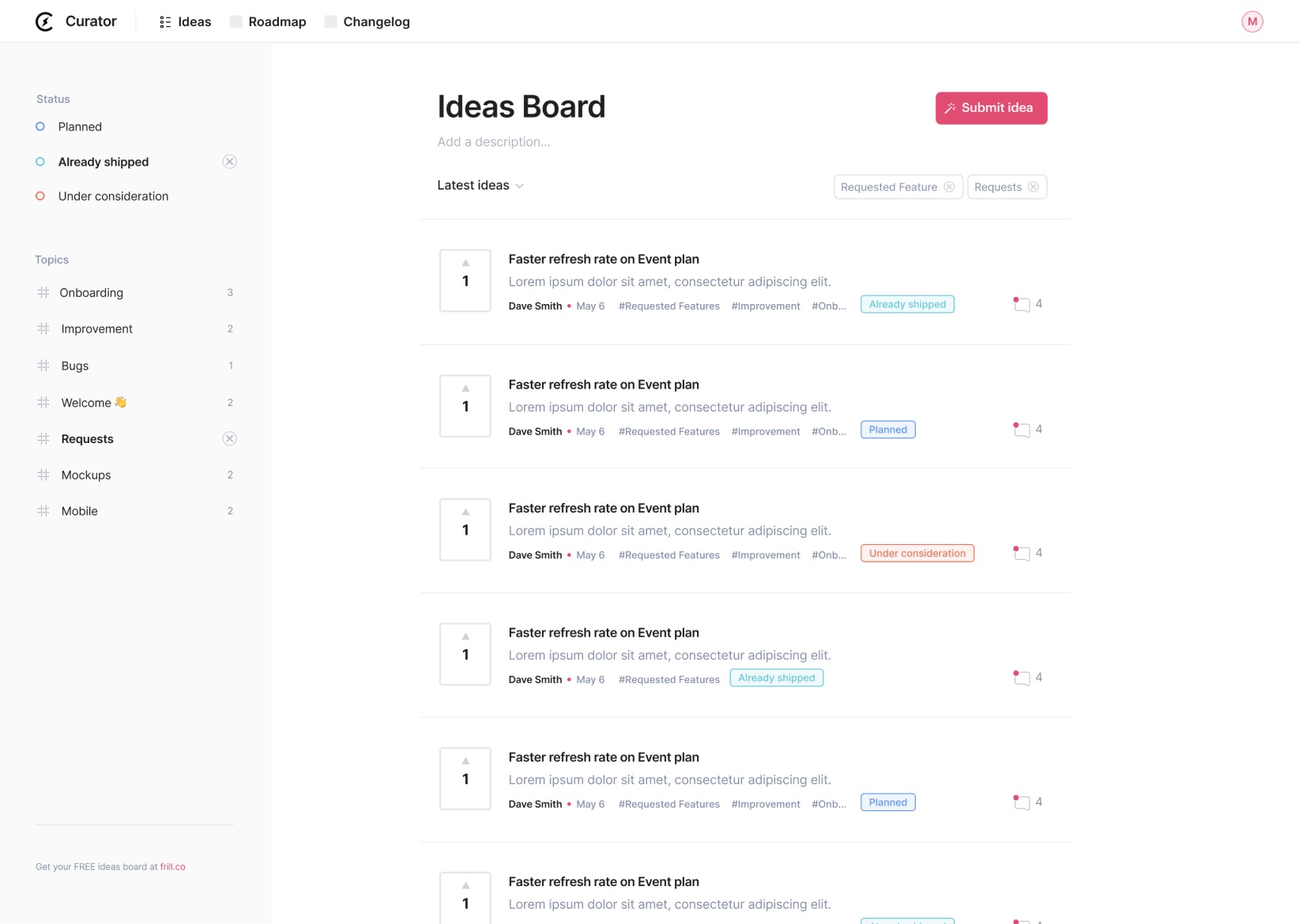
Frill is a beautifully simple customer feedback tool designed for SaaS teams that want to collect, prioritize, and announce product ideas with minimal friction. It combines an idea board, public roadmap, and announcement tool into one clean interface. Frill is ideal for teams that want a lightweight but powerful way to involve users in the product development process while staying focused on shipping.
Top features:
Idea boards with voting, commenting, and smart duplicate detection
Public product roadmap with micro roadmap and timeline options
Announcements with reactions, segmentation, and scheduling
Built-in surveys including NPS, CSAT, open feedback, and quick polls
Customizable branding, statuses, topics, and email notifications
Integrations with Jira, Slack, Intercom, Zendesk, Help Scout, Trello, and more
Privacy controls, SSO, white labeling, and API access on higher plans
Pros and cons:
Frill strikes an excellent balance between ease of use and functional depth. Its UI is praised for being elegant and intuitive, and the new survey tools and prioritization matrix make it a more complete solution. While ideal for startups and growth-stage SaaS companies, larger teams may want deeper reporting or role-based permissions not yet available.
Pricing:
Frill offers four pricing tiers:
Startup – $25/month: 50 ideas, 1 survey, core features
Business – $49/month: Unlimited ideas, 3 surveys, enhanced control
Growth – $149/month: Unlimited surveys, white labeling, privacy controls included
Enterprise – From $349/month: Dedicated support, SOC2, custom terms, and more
Add-ons for surveys, privacy, and white labeling are also available for lower-tier plans. Frill provides a 14-day free trial with no credit card required.
2. Contentsquare
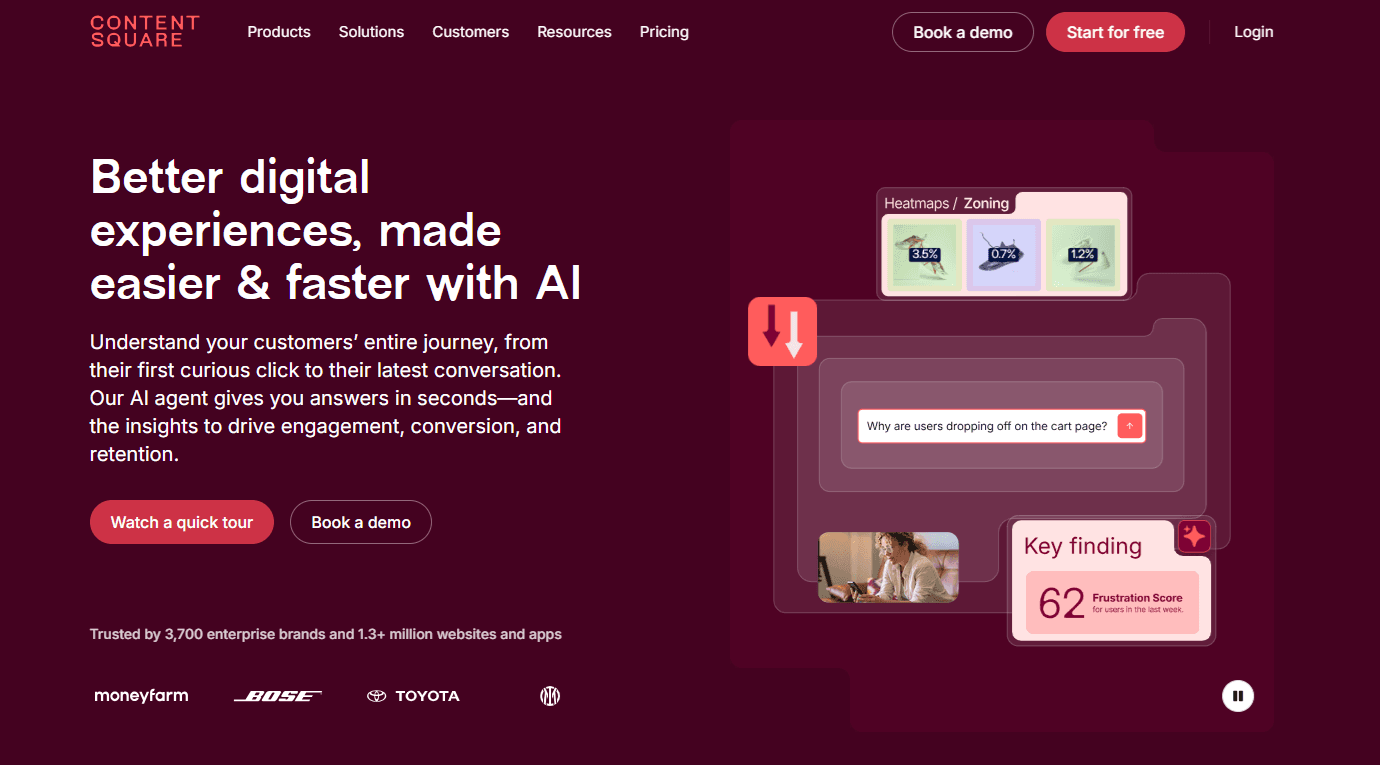
Hotjar is now part of Contentsquare, a broader experience analytics platform that blends behavioral data, customer feedback, and product insights. While the Hotjar brand still exists in practice, the product is positioned under Contentsquare’s “Voice of Customer” and “Experience Analytics” offerings. The tool helps teams understand how users behave across sessions, identify friction, and gather direct input through surveys and feedback widgets. With Contentsquare’s AI enhancements, Hotjar-style insights now integrate seamlessly with journey analytics, replays, and sentiment analysis.
Top features:
Heatmaps and session replay with frustration scoring
AI-driven insights via Sense Analyst for faster interpretation
In-page feedback widgets, surveys, user tests, and interviews
Automated funnel and journey insights to pinpoint drop-off points
Behavior-based segmentation and advanced filters
Integration with analytics stacks, including GA, Slack, Jira, and 100+ apps
Voice of Customer suite with AI survey generation and summaries
Pros and cons:
Hotjar remains one of the strongest tools for visualizing user behavior without setup complexity. Contentsquare’s acquisition has made the platform significantly more powerful, especially for teams needing AI-assisted analysis or deeper journey insights. However, it is now less of a lightweight standalone product and more of an ecosystem, which may feel heavy for teams seeking a simple feedback-only solution.
Pricing:
Contentsquare provides a modular pricing system with Hotjar-like features offered through the Experience Analytics and Voice of Customer plans.
Experience Analytics Free – $0: Up to 200k monthly sessions, heatmaps, funnels
Experience Analytics Growth – from $49/month ($40 annually): Includes Sense AI, frustration score, impact quantification
Voice of Customer Growth – from $99/month ($80 annually): 500 monthly responses, unlimited feedback widgets, surveys, AI survey tools
Pro & Enterprise – Custom pricing for higher session volumes, advanced analysis, integrations, and large-team workflows
Teams can mix and match Experience Analytics + Voice of Customer + Product Analytics depending on their needs.
3. HappyOrNot
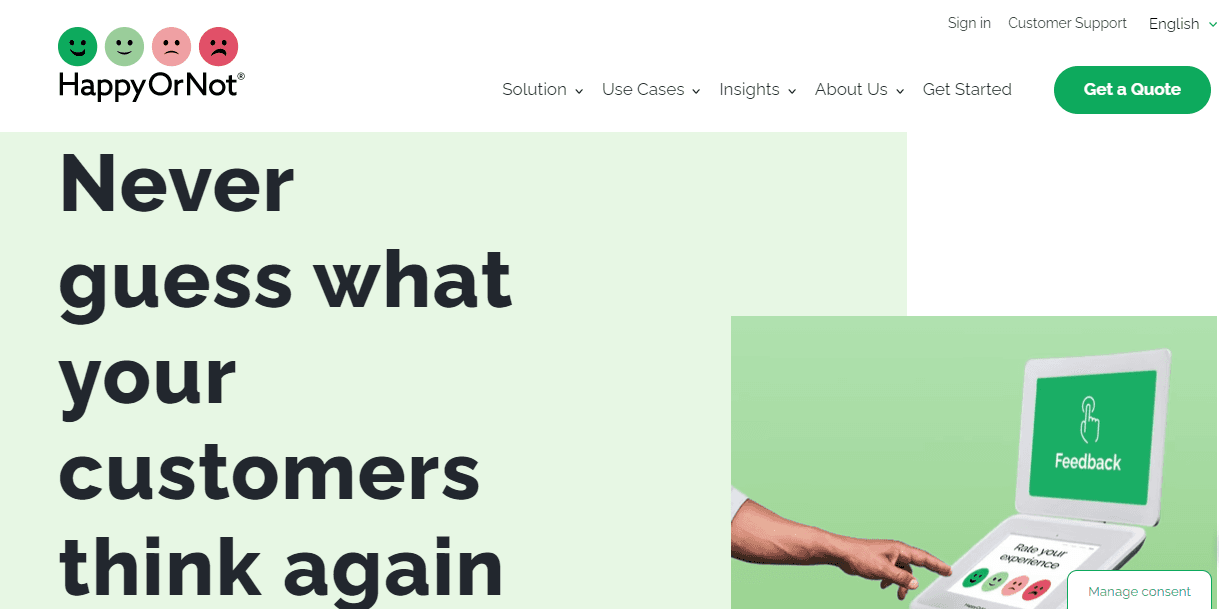
HappyOrNot is known for its instantly recognizable smiley-button feedback terminals, but it offers much more than that. It’s a real-time customer feedback platform built for speed and simplicity. You can collect feedback in person using physical kiosks, on-site with QR codes or NFC signage, and online via web widgets. The platform’s AI-powered analytics help you spot trends, trigger alerts, and act on feedback right away—whether you're in retail, healthcare, or service environments. It’s built for frontline teams and managers alike, helping you fix issues fast and recognize what’s working.
Top features:
Smiley terminals for fast, in-the-moment feedback
QR and NFC options for touchless collection
Real-time dashboards with role-specific views
AI-powered analytics to surface trends and patterns
Automated alerts to fix issues quickly
Multichannel setup, from kiosk to web
Integrates with Slack, Teams, Power BI, and more
Pros and cons:
HappyOrNot provides a quick and simple way to capture customer sentiment in real-time, making it ideal for immediate feedback. Due to the smiley-face options, its simplicity might not be enough for businesses needing more in-depth, qualitative insights.
Pricing:
HappyOrNot offers custom pricing based on your setup and volume. You’ll need to contact their team directly for a personalized quote.
4. Mouseflow
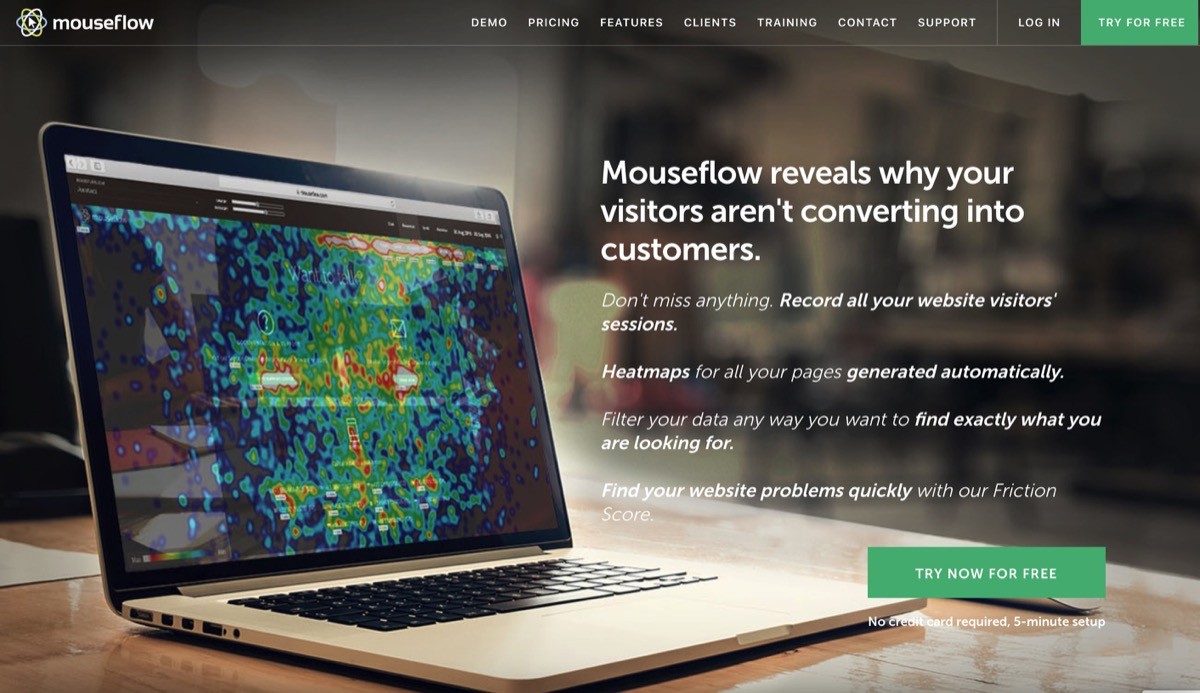
Mouseflow is a behavior analytics tool that shows you how people use your site. It captures every interaction, like clicks, scrolls, and form abandonments. You can spot what’s working, find what’s broken, and fix issues quickly. Mouseflow includes session replays, heatmaps, journey analytics, and surveys. It also comes with an AI assistant called MINA. MINA helps you find where users get stuck and gives you clear suggestions on what to improve.
Top features:
Session replays that show full user journeys across your site
Heatmaps for clicks, scrolls, attention, and movement
Friction and error detection to catch broken experiences
Journey analytics to visualize common paths and drop-offs
Conversion funnel tracking to see where users exit
Feedback surveys to collect direct input from visitors
30+ integrations including CMS, analytics, and marketing tools
Pros and cons:
Mouseflow gives you a complete picture of how users behave, helping you make smarter, faster UX decisions. It’s especially useful for optimizing website flows and reducing abandonment. However, it's best suited for website behavior, not for managing product feature feedback or tracking roadmap requests.
Pricing:
Mouseflow offers a free plan (500 sessions, 1 funnel), and paid plans start at $25/month for Essential, $109/month for Advanced, and $319/month for Premium. Enterprise plans are available on request. All plans include session replays, heatmaps, friction detection, and surveys.
5. Usersnap

Usersnap is a modern feedback platform that helps you collect, understand, and act on user feedback across the entire product development cycle. Whether you're gathering bug reports, running quick surveys, or tracking feature requests, Usersnap keeps everything in one place. You can collect feedback directly from your web app using screen capture tools, forms, or targeted in-app surveys, and then prioritize what to build next using AI insights.
Top features:
In-app feedback widget with screen recording and voice support
Bug reporting with annotated screenshots and error console data
Customizable forms for surveys, ratings, and feature requests
AI-powered feedback sorting and sentiment analysis
Micro surveys and user testing templates
Kanban-style boards and changelog tools
Integrations with Jira, Azure DevOps, Slack, Trello, and more
Pros and cons:
Usersnap stands out for giving teams a complete feedback loop, from collection to analysis to action. It’s visual, fast to set up, and great for product teams that want clear, actionable insights. The learning curve is minimal, though it may be more than you need if you’re only looking for simple feedback forms.
Pricing:
Usersnap starts with a free plan for up to 20 feedback items. Paid plans range from $49 to $369+ per month, depending on the features, number of projects, and team size. Enterprise plans are available with custom pricing.
6. FullStory
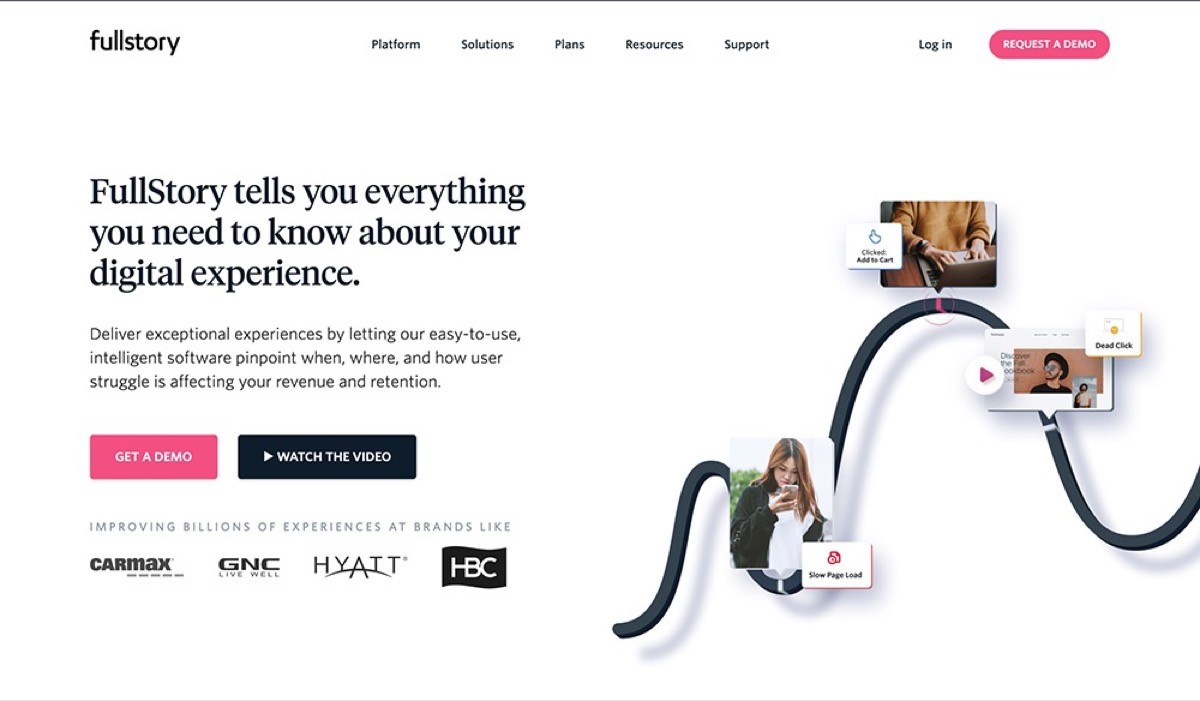
With Fullstory, you can understand exactly how users interact with websites and apps and improve every step of the digital journey. It combines powerful session replays, heatmaps, funnels, and journey analytics with AI tools that turn behavior into clear insights. Their AI assistant, StoryAI, answers complex questions in seconds using real customer data. With FullStory, teams can find friction, fix it fast, and build better experiences with confidence.
Top features:
Session replay to watch full user journeys
Heatmaps to visualize clicks, taps, and scrolls
Funnel and conversion tracking to spot drop-off points
Customer journey analytics for detailed behavior flows
AI-powered insights with StoryAI
Advanced segmentation and sentiment signals
Mobile analytics and Fullcapture™ for automatic data collection
Pros and cons:
FullStory shines when it comes to capturing and understanding real user behavior using a variety of customer feedback sources. The combination of AI and behavioral analytics helps teams make smarter product and UX decisions faster. But if you’re looking to collect direct customer feedback or survey responses, this platform may not be the best fit on its own.
Pricing:
FullStory offers custom plans tailored to business size and goals. While pricing isn’t public, they provide a free plan that includes 30,000 sessions and 12 months of data retention—perfect for getting started. Paid plans scale up from Business to Advanced to Enterprise, depending on analytics depth and team needs. You'll need to contact sales for a quote.
7. Mixpanel
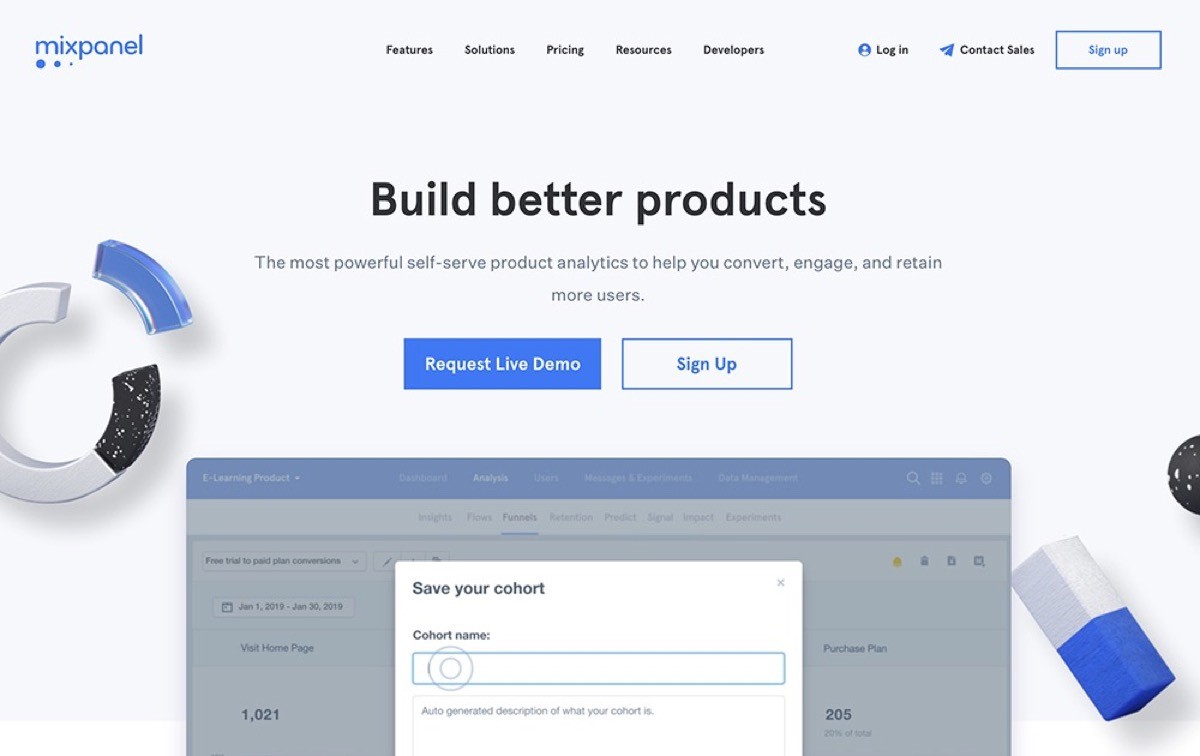
Mixpanel is a modern product analytics platform built to help teams understand what users do inside their product and why. It tracks every meaningful action, from feature adoption to drop-off points, so you can see what drives retention and growth. Instead of guessing, Mixpanel gives you instant, interactive reports that anyone on the team can explore without SQL. Its focus is fast insights, real-time dashboards, and clear visibility into how users move through your product.
Top features:
Real-time event tracking that updates dashboards instantly
Interactive funnels to find friction and improve conversion
Cohort and behavioral segmentation for deeper user insights
Flows that reveal how users navigate from action to action
Retention reporting to track who stays and who churns
Group analytics for B2B companies that track account-level behavior
Easy integrations with warehouse and CDP tools like Snowflake, Segment, and BigQuery
Pros and cons:
Mixpanel is powerful because it gives teams self-serve analytics without waiting on engineers or analysts. It makes complex behavioral data easy to explore and helps teams make faster, data-backed decisions. But it is analytics only. It will not collect feedback or qualitative insights, so most teams pair it with a customer feedback tool.
Pricing:
Mixpanel offers a generous Free plan with up to 20M monthly events. Paid plans start at $24 per month, and custom pricing is available for organizations that need higher volumes, advanced governance, or enterprise-level support.
8. Pendo
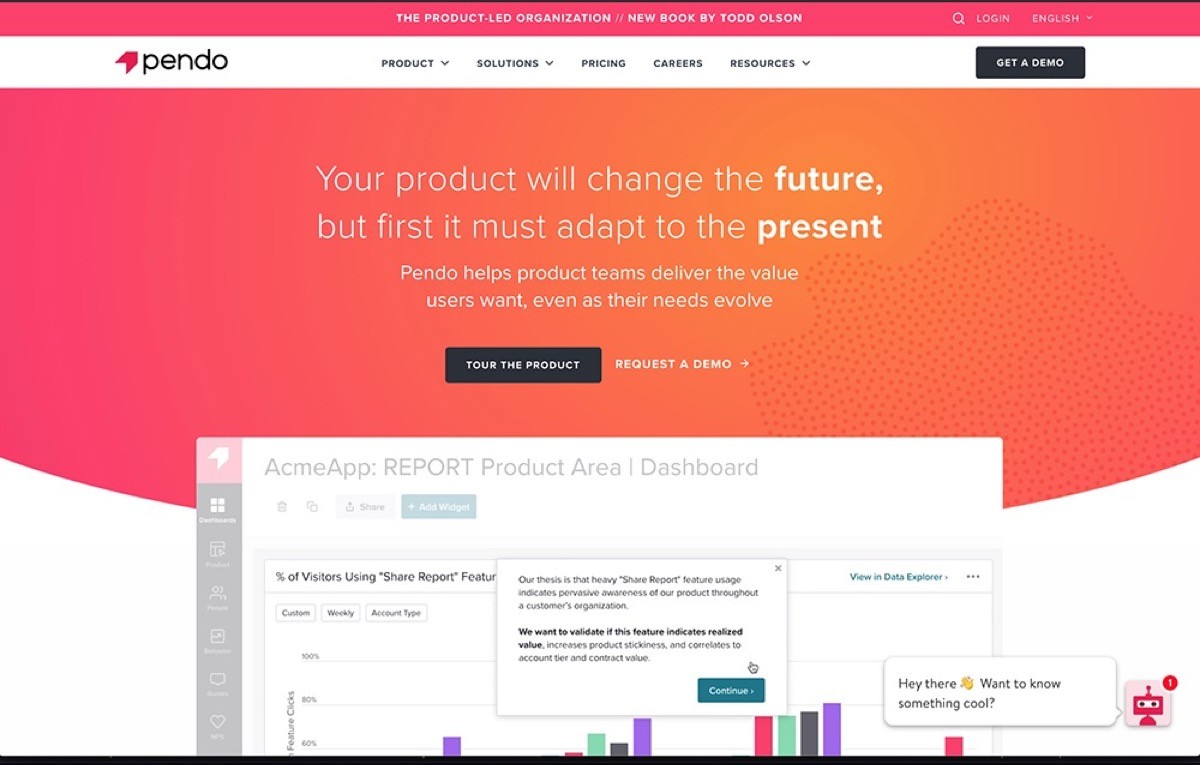
Pendo is a product experience platform that helps teams understand user behavior, collect feedback, and guide users inside their product—all in one place. It combines powerful analytics with in-app messages, surveys, and AI insights to help teams improve onboarding, adoption, and retention. Pendo’s biggest strength is unifying analytics with user guidance and sentiment, so you can take action right where it matters.
Top features:
Product analytics to see what users actually do, not just what they say
In-app guides for onboarding, feature announcements, and tooltips
Session replays to watch real user journeys and spot friction
NPS and feedback tools for collecting voice-of-customer insights
Roadmaps and validation tools to plan and prioritize what to build next
AI-powered insights to predict churn and identify high-impact opportunities
Mobile and web coverage so your experience stays consistent everywhere
Pros and cons:
Pendo is great for tracking user behavior and enhancing product decisions through its analytics and in-app guides. But this platform can be pretty expensive, especially for teams that don't need its full range of features.
Pricing:
Pendo’s pricing is based on monthly active users and specific features. The Free plan includes product analytics, in-app guides, and NPS for up to 500 MAUs. For full access—including session replays, sentiment analysis, orchestration, and data sync—you’ll need to request pricing for one of their paid plans: Base, Core, Pulse, or Ultimate.
9. Nolt

Nolt is a fast, focused feedback board that helps you collect, organize, and act on user ideas. It replaces spreadsheets, scattered emails, and disconnected Trello boards with a clean, collaborative space where your users can submit suggestions, vote on ideas, and track progress. With smart moderation tools and deep integrations, Nolt helps product teams stay close to the voice of the customerwithout creating more work.
Top features:
Customizable feedback boards where users can submit and upvote ideas
Public or private roadmaps to share what’s planned, in progress, or done
Real-time updates and notifications to keep your community engaged
SSO and access controls for secure internal or external feedback
Powerful integrations with Slack, Trello, Jira, GitHub, Intercom, and more
Moderation tools to filter spam, profanity, or duplicate suggestions
Developer-friendly APIs and webhooks for custom workflows
Pros and cons:
Nolt is loved for its simplicity, speed, and focus—it takes minutes to set up and feels intuitive for both users and teams. It’s ideal for startups and growing companies that want signal without noise. While it’s not built for complex enterprise workflows out of the box, their Enterprise plan offers advanced options like SCIM, OpenID, and custom security reviews.
Pricing:
Nolt has transparent flat-rate pricing with no per-user fees.
Essential: $29/month for 1 board (billed annually)
Pro: $69/month for up to 5 boards, advanced integrations, and moderation features
Enterprise: Custom pricing with unlimited boards, advanced SSO, and priority support
You can try Nolt free for 10 days—no credit card required.
10. SurveyMonkey
SurveyMonkey is one of the most trusted and widely used tools for gathering feedback, running surveys, and making smarter decisions with data. Whether you're collecting customer sentiment, running employee engagement surveys, or testing new product ideas, SurveyMonkey gives you the tools to do it quickly and confidently. With powerful AI features, beautiful templates, and hundreds of integrations, it's built to support everything from scrappy startups to global enterprises. If you’re not sure what to ask, check out these 15 questions.
Top features:
AI-powered survey builder to create polished surveys from a simple prompt
500+ expert templates to get started fast across customer, employee, and market research use cases
Advanced logic tools like branching, piping, and skip logic
Real-time reporting with charts, crosstabs, sentiment analysis, and export options
Multilingual surveys and mobile-friendly design
200+ integrations including Slack, Salesforce, HubSpot, Tableau, and Zoom
Robust targeting tools and access to a global audience panel of 335M+ people
Pros and cons:
SurveyMonkey stands out for its flexibility, ease of use, and depth of features. It’s approachable enough for beginners and powerful enough for advanced researchers. The main limitation? Some of the more advanced tools, like sentiment analysis and advanced reporting, are locked behind higher-tier plans, which may not suit every budget.
Pricing:
SurveyMonkey offers a free basic plan and paid options:
Team Advantage: $30/user/month (billed annually)
Team Premier: $92/user/month (billed annually)
Enterprise: Custom pricing with advanced admin and security features
You can try the platform for free and explore templates, AI tools, and survey logic before committing to a paid plan.
Learn more about SurveyMonkey.
11. Pointerpro
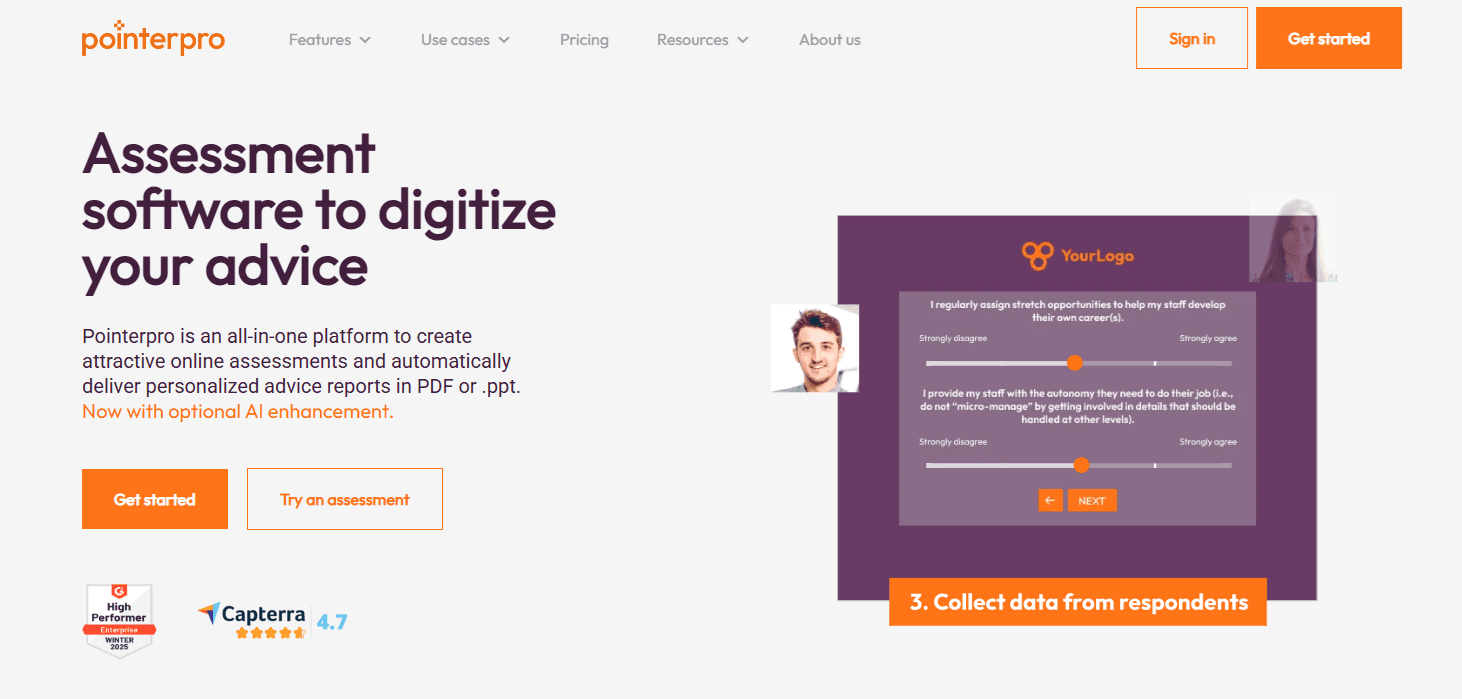
Pointerpro is a flexible assessment and survey platform that goes beyond collecting feedback. Designed for consultants, HR teams, coaches, and marketers, it allows you to build interactive questionnaires and automatically generate personalized reports. It’s ideal for businesses that want to digitize their expertise and scale client interactions with minimal manual work. Pointerpro is particularly powerful for use cases like maturity assessments, risk scoring, and guided selling tools.
Top features:
Custom PDF and PPT report builder with drag-and-drop controls
Smart scoring, logic rules, and variable-based personalization
Offline functionality for data collection without internet
Multi-language support for global audiences
White-labeled surveys with full branding control
Team collaboration and dashboard tools (on select plans)
Integrations with Zapier, Make, Webhooks, and external databases
Pros and cons:
Pointerpro stands out for transforming assessments into automated, professional-grade reports. Its personalization capabilities and visual report builder make it ideal for advisory services. However, it’s not a traditional customer idea board, so it lacks features like voting or roadmap visibility, which SaaS teams may prefer for tracking product feedback.
Pricing:
Pointerpro’s plans start at $69/month for the Professional plan. Advanced plans like ReportR and DistributR offer higher monthly response limits and advanced distribution, reporting, and user management tools. Pricing for those tiers is available upon request.
12. Qualaroo
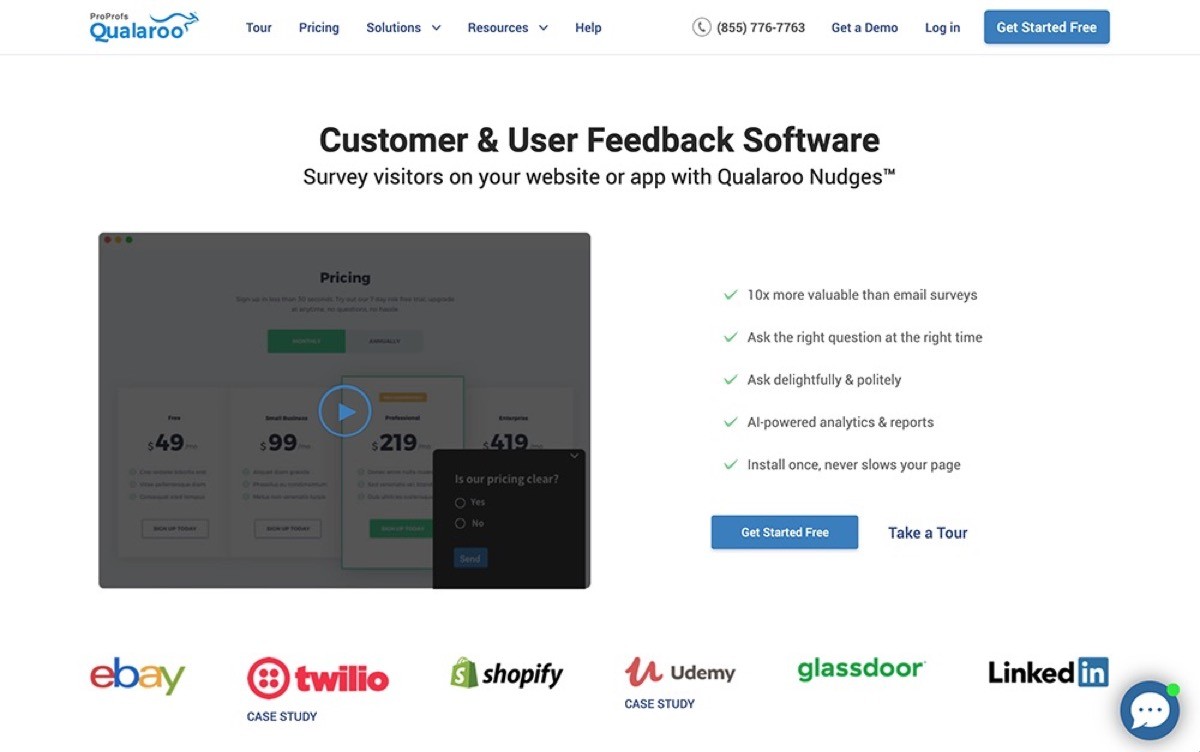
Qualaroo is a real-time user feedback and research tool built to help teams capture insights while users are actively engaging with their product. Its signature Nudges™ allow you to ask the right question, to the right user, at exactly the right moment, whether they’re browsing your website, using your app, or testing a prototype. With AI-powered sentiment analysis and advanced targeting, Qualaroo makes it easy to uncover what users are thinking and why they act the way they do.
Top features:
Nudges™ for in-context feedback
AI sentiment analysis powered by IBM Watson
Advanced user targeting across behavior, attributes, and events
Branching and skip logic for tailored question flows
Templates for NPS, CSAT, CES, product research, and UX
Multilingual surveys across web, mobile, and prototypes
Integrations with Google Analytics, HubSpot, Salesforce, Slack, Zapier, Intercom, and more
Pros and cons:
Qualaroo is excellent for capturing meaningful, real-time insights because users respond while they are fully immersed in the experience. It makes qualitative research fast, contextual, and easy to automate. Because pricing scales with pageviews and response needs, costs can increase as traffic grows, though the free plan is generous for early-stage teams.
Pricing:
Qualaroo offers a range of plans based on response volume and pageviews.
Free plan — $0 forever, includes 50 responses, 500 email sends, and 10,000 pageviews
Essentials — starts around $19.99 per month, includes unlimited responses and 1,000 monthly email sends
Business — higher‑tier plan with advanced targeting, mobile Nudges™, prototype surveys, and priority support
Enterprise — custom pricing for large teams needing SSO, dedicated onboarding, higher response limits, and enhanced security controls
13. UseResponse

UseResponse is an all-in-one customer support platform that combines feedback collection, help desk, live chat, and knowledge base tools. It’s designed to help companies centralize customer conversations while making it easy for users to suggest features, vote on ideas, and track progress. Whether you're collecting customer feedback or streamlining support tickets, UseResponse gives you flexible tools to manage communication across email, chat, messengers, and social media—all in one place.
Top features:
Feedback boards with voting, status updates, and public discussions
Help desk with ticket management, SLA tracking, and auto-routing
Live chat across web, Facebook Messenger, Telegram, WhatsApp, and more
Knowledge base and self-service tools with rich content formatting
Smart automation to trigger alerts, assign tickets, or send custom replies
Multichannel support covering email, chat, forums, and messengers
Customizable UI, permissions, and workflows for different teams
Pros and cons:
UseResponse is great for businesses looking for a highly customizable support and feedback solution. It’s ideal if you want everything (feedback boards, help desk, and chat) in one place. The downside? The interface is more functional than polished, and pricing can get steep for smaller teams, especially if you go with the on-premise options.
Pricing:
UseResponse offers flexible pricing depending on your deployment:
Cloud plan — $49 per agent/month (includes feedback system, help desk, live chat, and knowledge base)
Self-hosted plan — $120 per agent/month, billed annually (requires minimum 5 agents and includes full code access)
You can try UseResponse free for 14 days to see how it fits your team.
14. Survicate
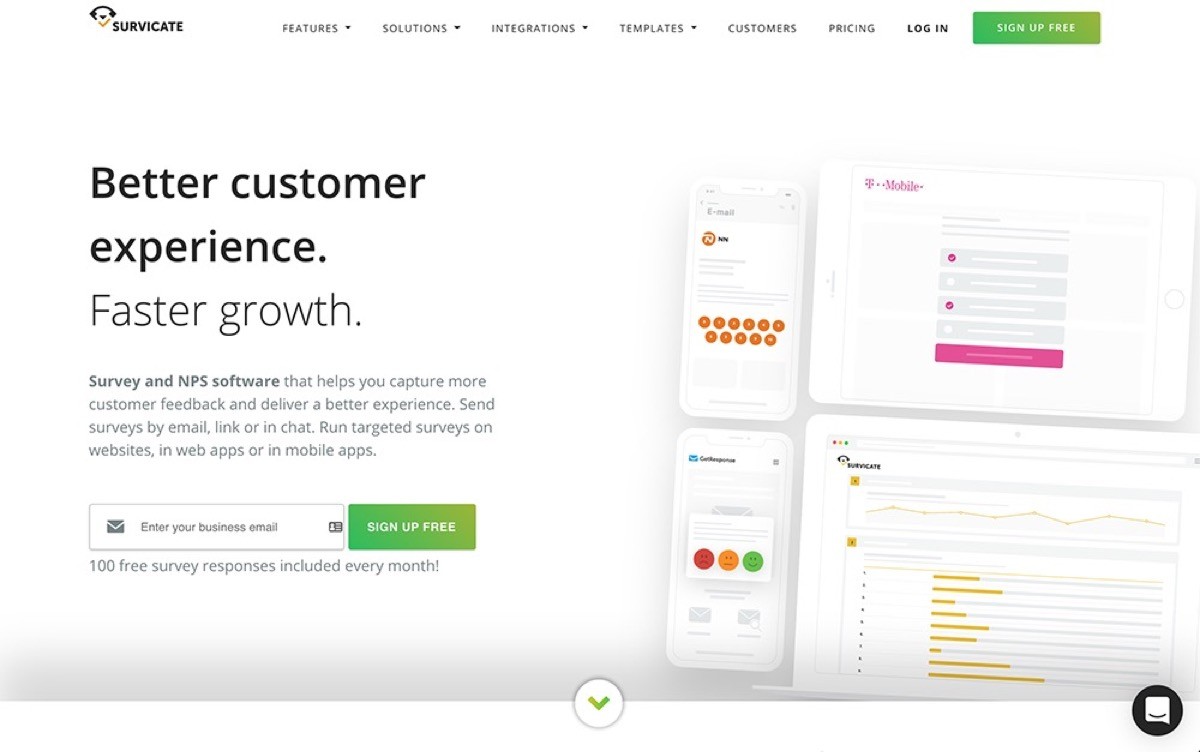
Survicate is a flexible, AI-powered survey platform designed to help teams capture and act on customer feedback at scale. Whether you want to measure NPS, collect product insights, or optimize marketing campaigns, Survicate gives you the tools to do it all—across email, websites, apps, and more. It connects easily to your favorite tools and automatically turns feedback into themes, helping teams align faster and build better experiences. Consider exploring the must-have customer portal features that elevate the user experience and ensure seamless interaction within your platform.
Top features:
Email, web, in-product, and mobile app surveys with advanced targeting
AI-powered Insights Hub to identify key trends and topics from open-text responses
Dashboards and analytics for tracking NPS, CSAT, CES, and more
Customizable surveys with branching logic and branding tools
1-click integrations with Salesforce, HubSpot, Intercom, FullStory, Slack, and many others
Feedback automation for lifecycle events, campaigns, and CRM workflows
Enterprise-grade privacy, compliance, and secure data handling
Pros and cons:
Survicate shines when you need smart targeting, unified feedback analytics, and smooth integration into your workflow. It’s intuitive to use and offers quick setup for product, marketing, and CX teams. Just note that advanced features and higher volume plans can be pricey, especially for early-stage startups.
Pricing:
Survicate offers a free plan, plus paid options tailored by volume and features:
Essential plan — from $49/month (for basic surveys and core integrations)
Pro plan — from $299/month (for advanced targeting, multi-survey dashboards, and analytics)
Enterprise plan — from $499/month (includes custom onboarding, HIPAA compliance, SAML SSO, and premium support)
All paid plans include a custom pool of responses, billed annually or monthly. You can try Survicate free to test all features.
15. GetFeedback
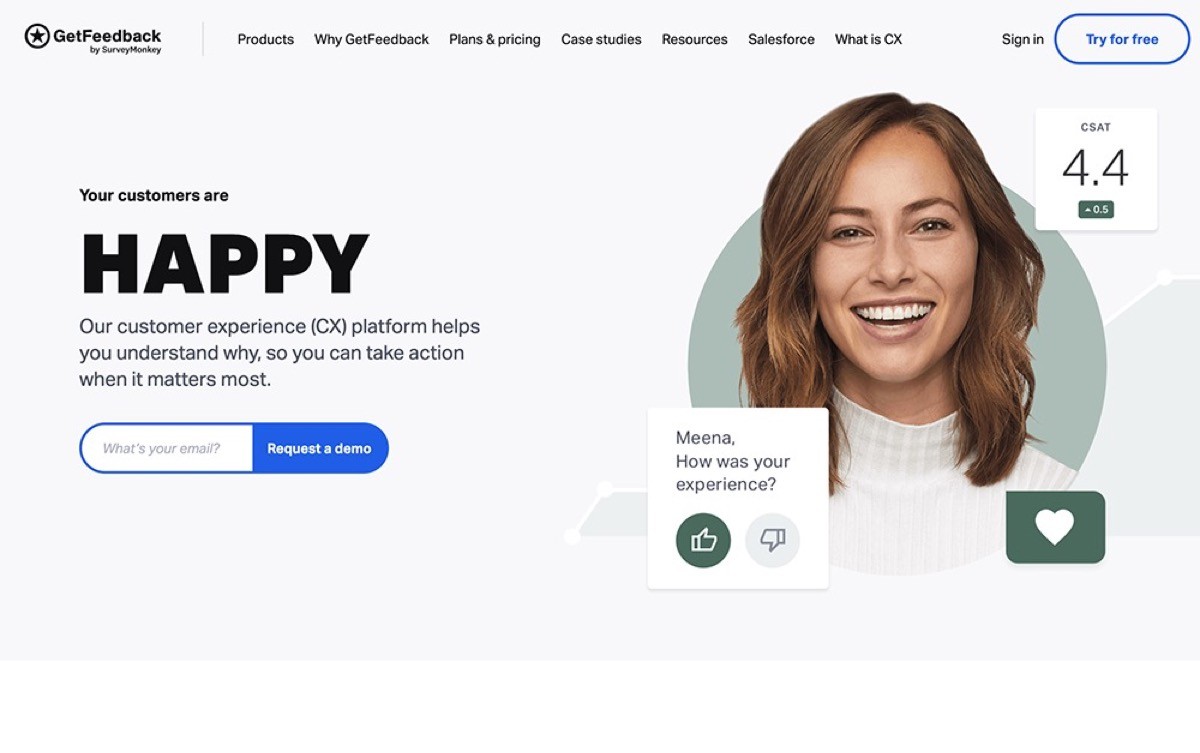
GetFeedback is a modern customer experience (CX) platform built to help you capture feedback at every stage of the customer journey. Whether you're measuring CSAT after a support chat, running NPS surveys after purchases, or collecting product feedback inside your app, GetFeedback makes it fast and flexible. It's especially powerful for Salesforce users, integrating deeply to enrich dashboards and trigger actions based on customer sentiment.
Top features:
Surveys across web, email, SMS, in-app, and even offline environments
Mobile-optimized, fully branded surveys for a seamless experience
NPS, CSAT, CES, and digital experience templates ready to launch
Real-time alerts and auto-routing of feedback into Salesforce or your favorite tools
Advanced targeting to ask the right questions at the right moments
Feedback embedding for restricted spaces like kiosks and ATMs
Native Salesforce integration with custom field mapping and enriched reporting
Pros and cons:
GetFeedback is ideal for teams already using Salesforce and looking to centralize their customer experience data. Its flexibility across channels and deep integration options make it a powerful CX engine. The downside? Pricing isn’t public and may be out of reach for smaller teams or companies not already invested in Salesforce.
Pricing:
GetFeedback does not publish pricing on its website, but a 14-day free trial is available.
For exact pricing, you’ll need to contact their sales team for a custom quote based on your organization’s needs.
16. Podium
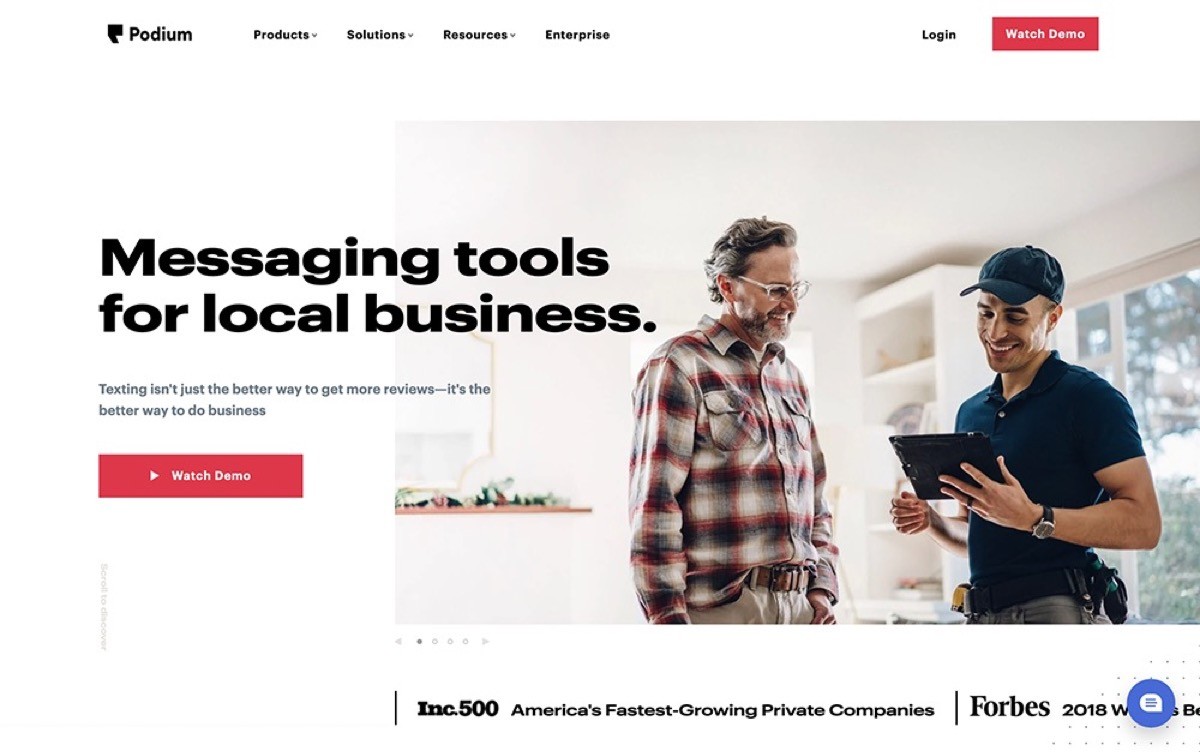
Podium is a communication platform that helps you message customers across multiple channels such as video chat and web chat. It’s designed to help local and service-based businesses respond faster, convert more leads, and collect reviews with ease. Instead of long surveys or clunky forms, Podium uses short, automated messages to collect feedback at just the right moment—when customers are most engaged. With AI-powered features and built-in payment tools, it’s a smart all-in-one platform for growth.
Top features:
Unified inbox for SMS, chat, web forms, email, phone, and social messages
Short-form surveys sent automatically via text when engagement is highest
AI-powered tools for automated messaging, review replies, and lead routing
Hosted and SMS-based surveys for simple, mobile-friendly feedback
SMS-based payment collection and marketing campaigns
Deep CRM and phone system integrations with real-time lead tracking
Pros and cons:
Podium makes it easy to connect with customers, respond quickly, and collect reviews, all in one place. Its short feedback format is fast and effective, but not designed for deep, multi-question surveys. Best suited for teams focused on lead conversion, communication, and reputation management. Implementing a lead generation chatbot can help automate these conversations and scale feedback collection.
Pricing:
Podium offers custom pricing based on your business needs.
You can request a quote and explore three plan tiers:
Core: Essential tools including review requests, messaging, payments, and automation
Pro: Adds AI messaging, text-based surveys, advanced automation, and segmentation
Signature: For larger teams needing multi-location management, branding, and custom billing
All plans include onboarding, customer success support, and access to 200+ integrations.
17. UserReport

UserReport is a lightweight, no-fuss tool that helps you understand who your users are and what they want. It runs quietly in the background of your website or app through two simple widgets, a survey widget to gather insights and an interactive feedback widget where users can suggest ideas and vote on others. It’s a great choice for teams who want to capture voice-of-customer data directly on-site without installing a heavy platform.
Top features:
Survey widget for collecting NPS, demographics, and user sentiment
Feedback widget where users can submit ideas and vote on others
Integration with Google Analytics for combining behavioral and feedback data
Customizable branding and support for 60+ languages
Demographic breakdowns of NPS and survey results
Easy installation with just a code snippet added to your site
Publisher-focused premium features for showcasing audiences and validating campaigns
Pros and cons:
UserReport is easy to set up and works well for teams that want to collect user input directly within the product. Its ability to blend user feedback with behavioral analytics makes it unique, but the interface and feature depth may feel limited for advanced research teams or growing startups.
Pricing:
UserReport offers custom pricing depending on your needs. You can get started with the basic widgets for free, or explore Premium plans tailored to publishers, brands, and larger teams looking to unlock advanced audience insights.
18. AskNicely
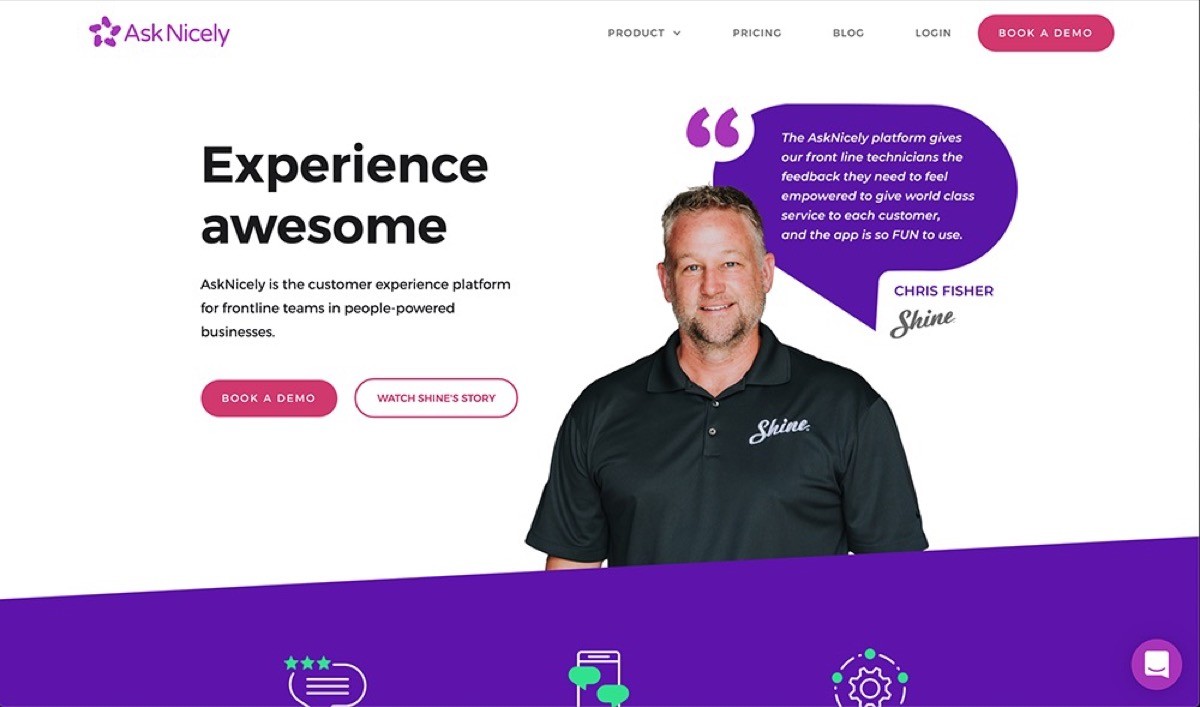
With UserReport, you get a lightweight feedback and survey tool designed to help you understand your users and build better products. It runs directly on your website or app through two simple widgets: one for collecting survey responses (like NPS and demographics) and one for gathering product feedback and suggestions. Users can upvote feature ideas, report bugs, and tell you exactly what they want—right where the experience happens. It’s easy to set up and integrates with tools like Google Analytics to combine behavioral data with direct user insights.
Top features:
Automated Net Promoter Score (NPS) surveys
Customizable and branded surveys
Real-time feedback collection with automated workflows
Multi-language support for global use
Integration with platforms like Salesforce, HubSpot, and Zendesk
Reporting and segmentation tools to analyze customer satisfaction across teams or locations
Pros and cons:
UserReport is a simple but powerful tool for collecting actionable feedback directly from users in context. It's a great fit for publishers, blogs, and brands looking to tie insights to audience data. That said, smaller businesses may find the platform more feature-rich than they need, and most advanced capabilities are reserved for custom plans.
Pricing:
UserReport offers custom pricing based on your needs.
You can get started with the free basic plan, which includes survey and feedback widgets, or upgrade to Premium plans designed for publishers and larger teams that want advanced reporting, sales kits, and audience validation tools.
To get full details and a tailored quote, you’ll need to contact their team directly.
19. CustomerSure
CustomerSure offers a Voice of the Customer (VoC) platform designed to turn customer feedback into meaningful action—without overwhelming your team. Backed by expert consulting and powered by AI insights, CustomerSure helps you collect, analyze, and respond to customer feedback across multiple touchpoints. Whether you're just starting a CX program or aiming to build a best-in-class initiative, the platform is purpose-built to guide every step with clarity, support, and measurable outcomes.
Top features:
AI-powered text analysis to uncover key issues and generate 3-point action plans
Email and SMS surveys with customizable branding and multilingual options
Stakeholder alignment tools and rollout support from CX consultants
Powerful reporting and dashboards to track progress and surface insights
Role- and site-based permissions to scale across teams and locations
Built-in NPS and CSAT programs with strategic coaching
Integrations and onboarding help included to get teams up and running fast
Pros and cons:
CustomerSure stands out for its expert-backed, hands-on approach to CX and VoC management. It's ideal for organizations that want more than just survey software However, the platform is best suited to mid-sized and large teams, as the pricing and feature set may be more than smaller businesses need.
Pricing:
CustomerSure offers three pricing tiers based on volume and program complexity:
CX Starter – £1,999/month
Best for lower-volume teams that want help getting a VoC program off the ground.CX Pro – £2,000–£7,999/month
Designed for medium-sized teams managing feedback across multiple brands or locations.CX Platinum – Custom pricing
Tailored for large enterprises looking to build a best-in-class CX program with high volumes and advanced customization.
All plans include onboarding support, platform setup, AI insights, and strategy workshops. You can also start with a pilot project to test the platform risk-free. To get an exact quote, you’ll need to speak with their team.
Learn more about CustomerSure.
20. Zonka Feedback
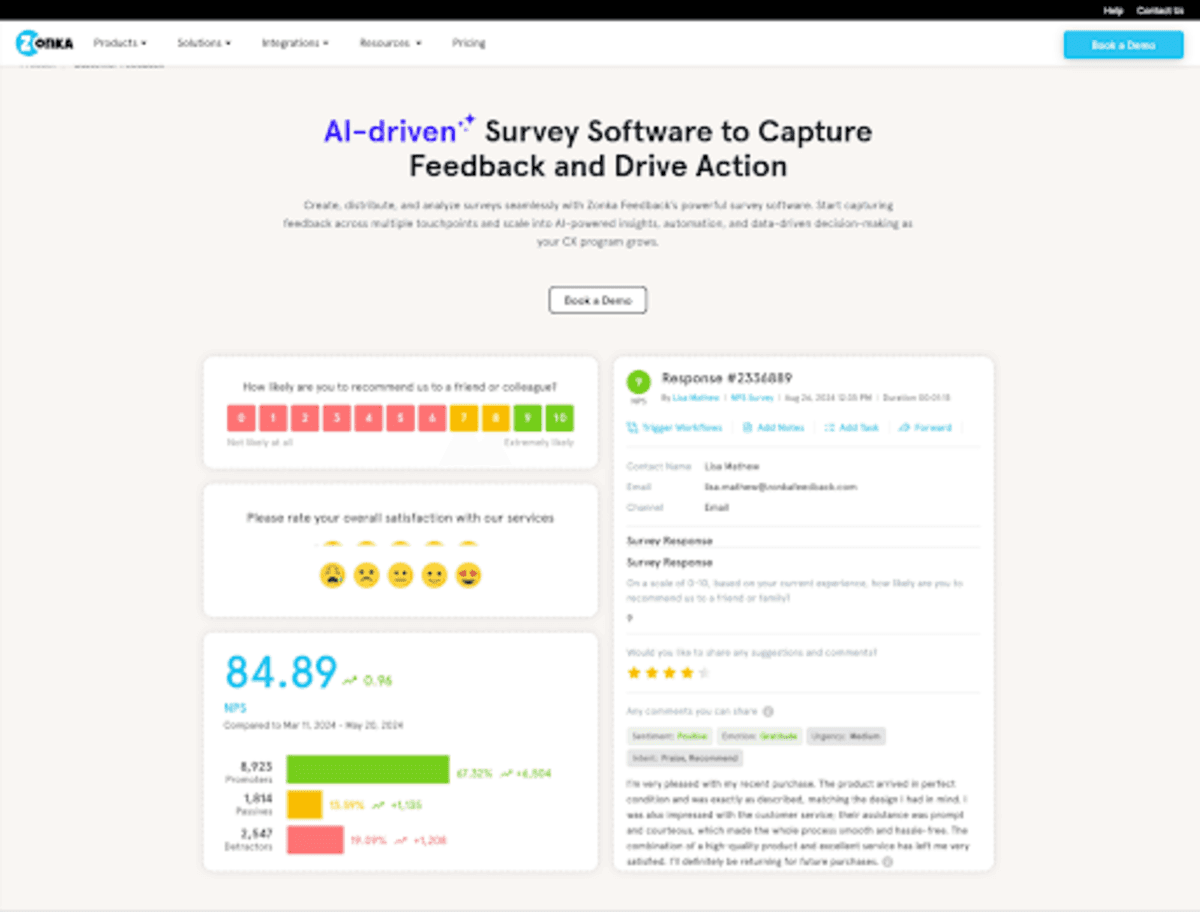
Zonka Feedback is a customer feedback and AI analysis platform that helps teams collect, understand, and act on feedback across every channel. You can run NPS, CSAT, and CES surveys over email, SMS, WhatsApp, web, in-app, and offline kiosks — all from one place. What sets it apart is the built-in AI layer that automatically analyzes open-text responses, clusters themes, scores sentiment, and surfaces signals showing what needs attention and who should fix it. Instead of just collecting responses and leaving teams to figure out the rest, Zonka closes the full loop — from collection to intelligence to action.
Top features:
Omnichannel surveys across email, SMS, WhatsApp, web, in-app, kiosks, and QR codes
NPS, CSAT, and CES programs for both transactional and relationship feedback
AI-powered thematic analysis, sentiment scoring, and trend detection on open-text responses
Centralized inbox with case management, routing, and automated loop closure
Real-time alerts and AI signals sent to the right team based on role and context
50+ integrations including Salesforce, HubSpot, Zendesk, Intercom, Slack, and more
White-label surveys with custom branding and multilingual support
Pros and cons:
Zonka Feedback stands out for teams that want more than just survey collection — its AI analysis and signals layer means you don't need a separate analytics tool to make sense of feedback. It covers the full feedback lifecycle in one platform, which is rare. The platform is best suited for teams that want to act on feedback at scale, so very early-stage startups with simple needs may find it more than they need.
Pricing:
Zonka Feedback offers custom pricing based on your team's needs and scale. You can contact their team directly for a personalized quote.
Learn more about Zonka Feedback.
21. Typeform
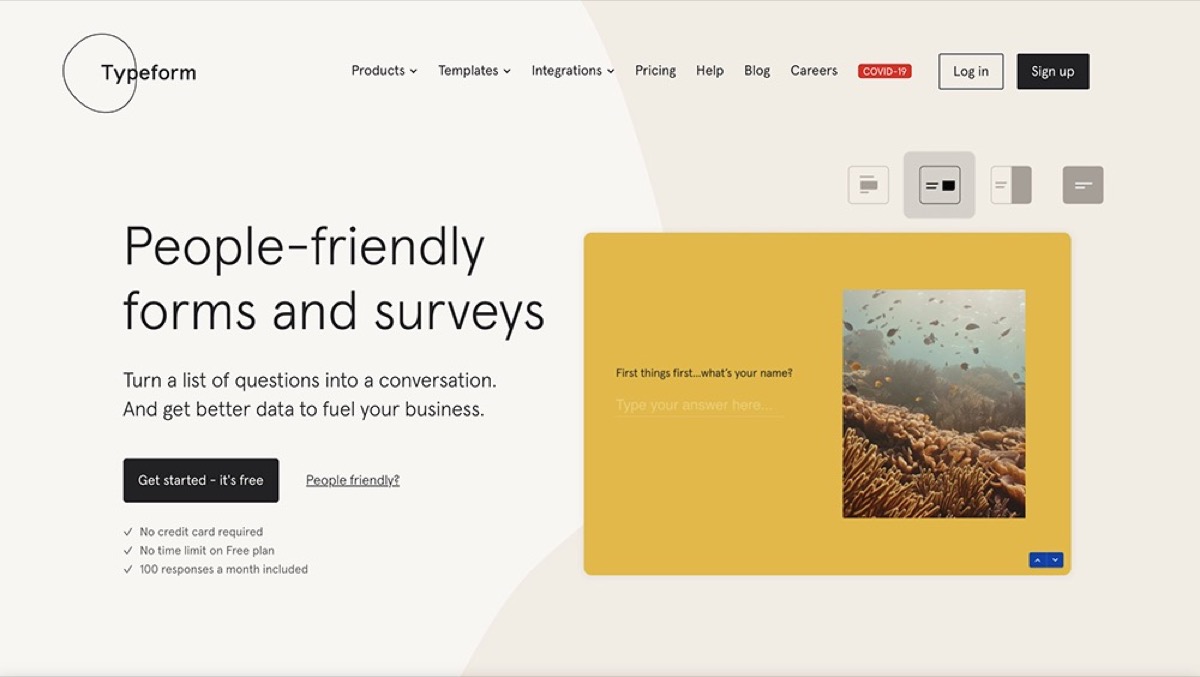
Typeform is a popular survey and form builder known for its clean, one-question-at-a-time design. It turns standard data collection into an engaging, conversational experience that feels more like a chat than a form. With recent AI-powered updates, advanced automation features, and deep integrations, Typeform is more than just a form builder—it’s now a full engagement platform for businesses that want to connect and convert.
Top features:
Interactive survey design that boosts completion rates
AI-powered form creation and smart insights
Automations that trigger follow-ups and email workflows
Multi-language support and logic-based personalization
Embed options for websites, apps, or email
500+ integrations including Google Sheets, HubSpot, and Salesforce
Analytics dashboards with conversion and drop-off tracking
Pros and cons:
Typeform stands out for its user-friendly interface and interactive surveys that create engaging experiences for respondents. However, it lacks feature request boards and upvoting capabilities, making it a less ideal choice for SaaS companies looking to capture and prioritize product feedback.
Pricing:
Typeform offers a range of plans for different team sizes and response needs:
Free – 10 questions and 10 responses per month
Basic – $25/month for 100 responses and unlimited forms
Plus – $50/month for 1,000 responses and custom branding
Business – $83/month for 10,000 responses, priority support, and advanced analytics
Enterprise – Custom pricing with VIP support, SSO, and tailored limits
Add-ons like Contacts & Automations are available from $25/month to help you manage leads and automate follow-up actions.
Looking for the best customer feedback platform for SaaS companies? Look no further than Frill.
Customer feedback software FAQ
What is customer feedback software?
Customer feedback software helps businesses collect, organize, and act on user insights across multiple channels. These tools go beyond support tickets by offering scalable systems for surveys, bug reports, feature requests, and sentiment analysis—making it easier to build better products and improve customer satisfaction over time.
Why is feedback automation important?
Without automation, customer feedback is often lost in spreadsheets or delayed in action. Feedback automation ensures responses are gathered consistently, routed to the right teams, and tracked over time—so you can spot trends, fix issues fast, and make data-driven decisions at scale without extra manual work.
What types of feedback can these tools collect?
Customer feedback platforms can gather NPS, CSAT, CES, feature requests, bug reports, open-text comments, and behavioral data through tools like heatmaps and session recordings. Some even use AI phone calls or in-app surveys to collect immediate feedback right after customer interactions, creating a well-rounded feedback loop.
Can customer feedback tools integrate with other software?
Yes. Most customer feedback tools integrate with CRMs like Salesforce, communication platforms like Slack, help desks like Zendesk, and data tools like Google Sheets. Integrations make it easier to sync feedback across teams and systems, ensuring faster follow-up and more unified customer experiences.
What’s the difference between qualitative and quantitative feedback?
Quantitative feedback is measurable data, like NPS scores or star ratings. Qualitative feedback is open-ended, offering detailed insights into why users feel a certain way. Customer feedback software helps you capture both types so you get a full picture of user sentiment and actionable takeaways.
Do SaaS companies need specialized feedback tools?
Yes. SaaS businesses benefit from tools that track feature requests, manage product roadmaps, and analyze user behavior. Solutions like Frill, Usersnap, and Pendo are tailored for SaaS teams, helping them prioritize development, understand churn, and close the loop with customers more effectively.

Dayana Mayfield
Dayana Mayfield is a B2B SaaS copywriter who believes in the power of content marketing and a good smoothie. She lives in Northern California.